38
Oven Control Removal
ELECTRONIC OVEN CONTROL (CONTINUED)
STEP 3
The control cover assembly can now be removed. Care must be taken when removing since molex
plugs are still attached. Remove molex plugs.
STEP 4
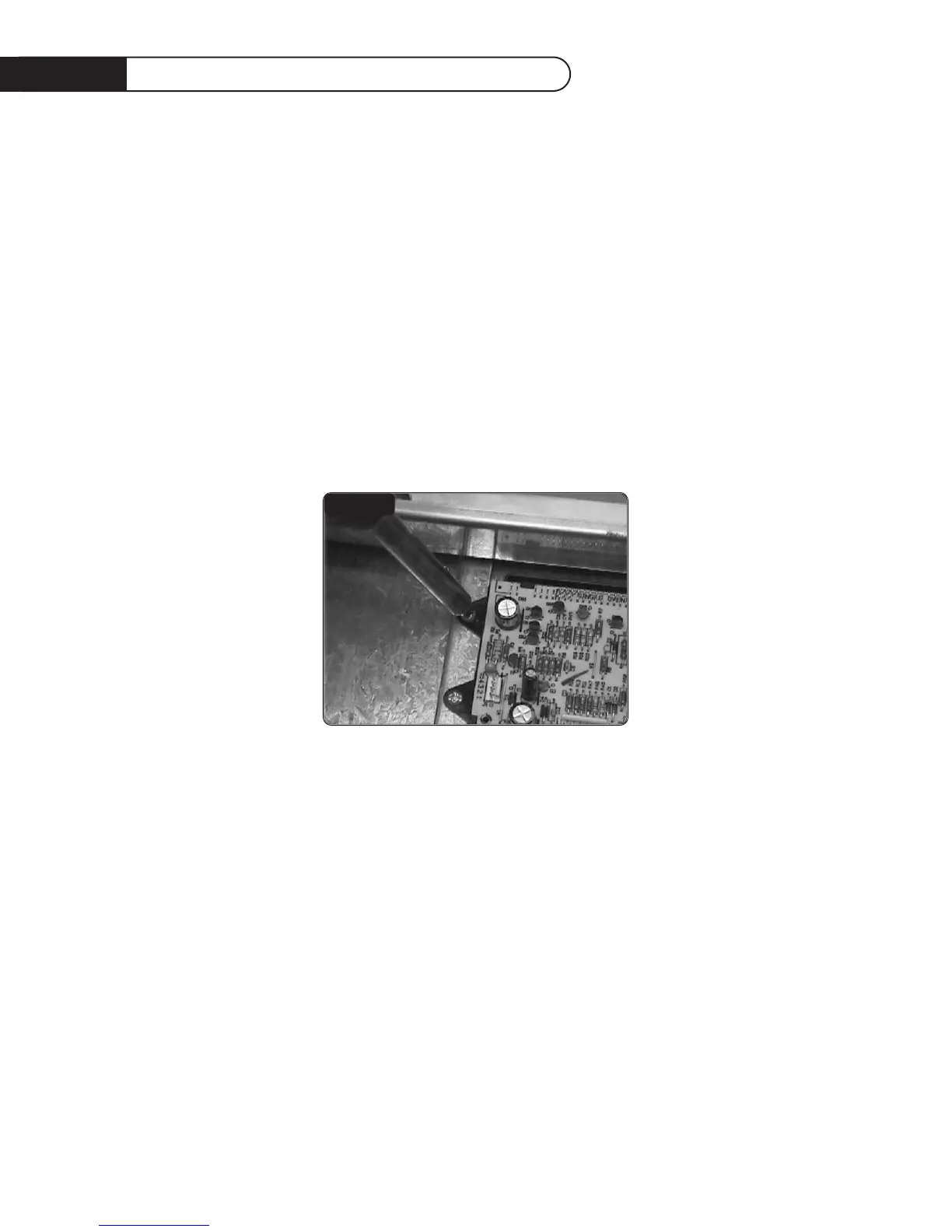
Place a drop cloth on a flat surface, then lay the control panel assembly on its face to remove
electronic oven control. Disconnect the membrane from the electronic oven control. With a phillips
screwdriver remove the four (4) screws and replace electronic oven control. To reassemble, steps 1-4
must be done in reverse order.
FIG.20


 To Next Page