3
User interface
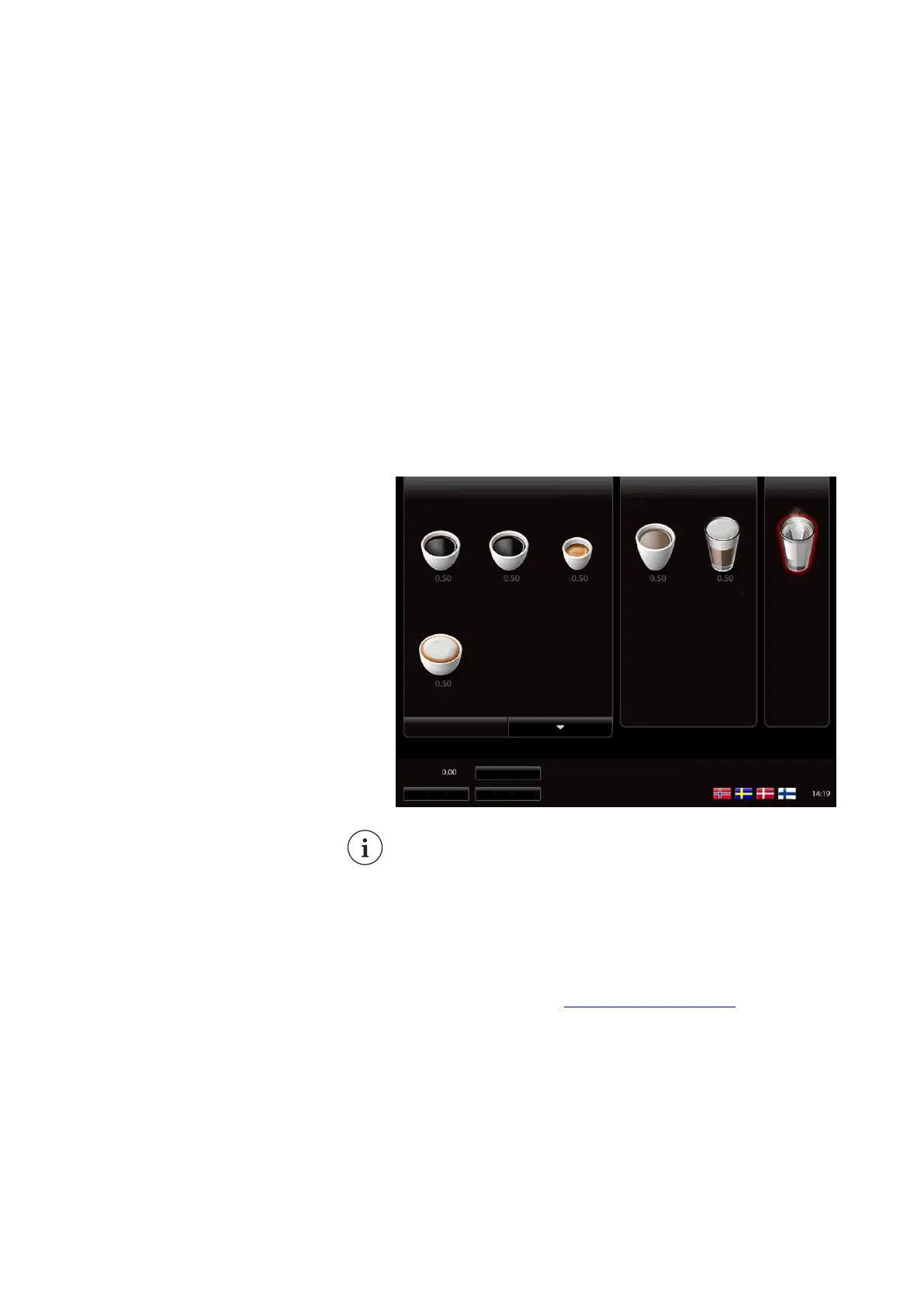
3.1 Display layout
The coffee machine is operated with a touchscreen on the door.
All selections are made by tapping (a short press) on one of the
buttons or menu tabs on the touchscreen.
Main screen layout (example)
NOTE
All drawings and screen images of the coffee machine are based
on generic configurations. The actual model will be different but
the functionality is similar.
All screens and menus are explained in detail in the next
sections. Using the touchscreen to dispense a beverage is
explained in the chapter
Using the coffee machine (on page 33).
20
Virtu CEC Medium Cabinet 70/90 CoEx® brewer User Manual 5DUCEK20M EN V2.1












 To Next Page