Purpose
Interval
Procedure
5.6.22 Enter canister ingredient levels — optional
When activated the coffee machine displays a message on the
screen when the ingredient canisters are almost empty. Based on
the number of beverages taken, the machine calculates the
amount of ingredients left in the canisters. When the canisters
are filled up the counters must be reset. Follow the steps in the
procedure below to reset the counters.
Perform this procedure:
•
When this option is active the Enter ingredient level screen is
displayed when the [Exit] button is tapped in the Service
menu to return to the Main menu (see Main menu - Cup
dispensing on page 21).
Perform the following steps:
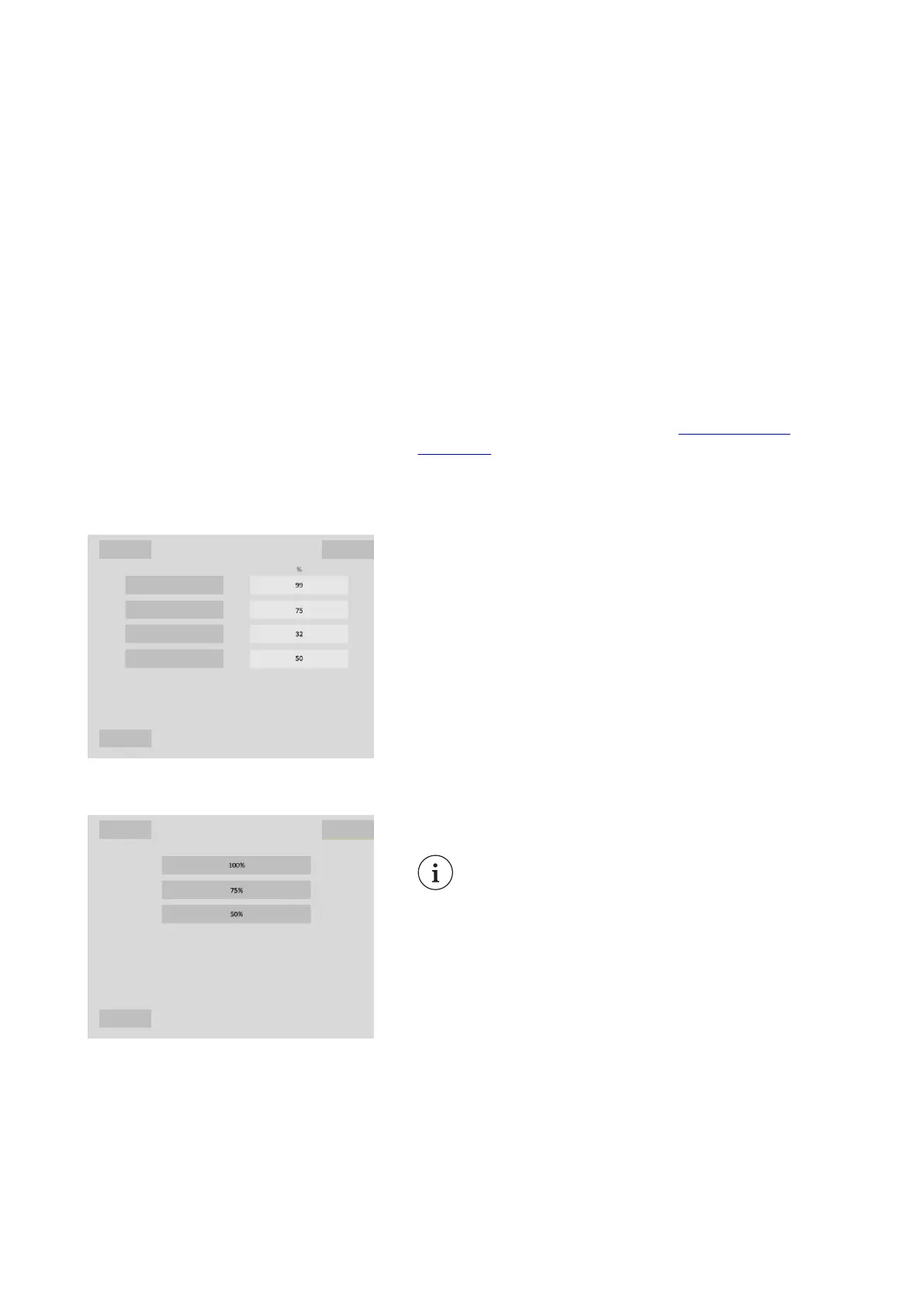
1. When the [Exit] button is tapped to leave the Service menu
the Enter ingredients levels screen is displayed.
▪ The current filling level of each canister is displayed (only
the canisters activated for this option are shown).
2.
To change a canister filling level tap one of the ingredient
buttons in the left column.
▪ or tap the [Exit] button to leave the Service menu.
3.
Tap the correct [filling level %] button for the selected
canister.
NOTE
A completely filled canister is filled 100 %. To keep
ingredients fresh it is also possible to fill the canister
for 50%.
4. Repeat the steps for each canister that is filled up (or where
the shown value is not correct) or tap [Exit] to leave the
Service menu.
Virtu CEC Medium Cabinet 70/90 CoEx® brewer User Manual 5DUCEK20M EN V2.1
90












 To Next Page