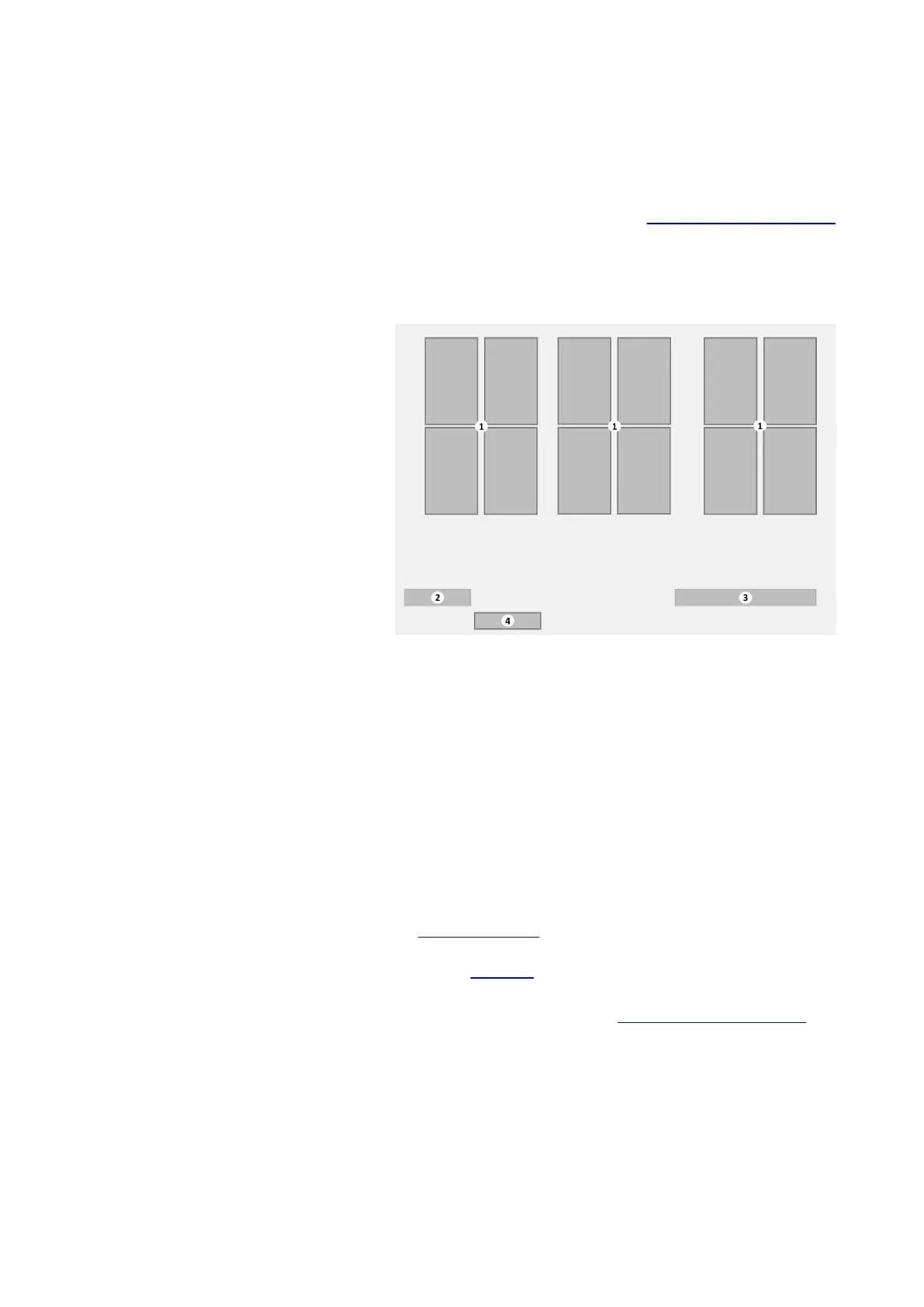
3.2.2 Jug dispensing submenu
The Jug dispensing submenu is displayed after tapping the
[Jug] button on the Main menu (see
Main menu - Cup dispensing
on page 21). On some models this menu is only available if the
jug function is activated with a jug key or pin code.
Jug dispensing menu
1. [Jug selection] buttons
2. Credit amount — optional
3. Message area
4. [Cup mode] button
The menu shows the following information:
• The Jug dispensing submenu displays a number of selection
buttons with beverages to fill (part of) a jug. Each button
contains a small image with an impression of the beverage,
the name and, when payment mode is activated, the price of
the jug dispense. Tap a button to select a beverage.
• The Message area displays relevant messages of the coffee
machine. Tap the [!] exclamation mark button to open the
Message submenu (on page 30). Details of all messages and
possible solutions to solve simple issues are listed in the
section Messages (on page 95).
• The [Cup mode] button. Tap it to cancel the jug selection and
return to the Main menu (see Main menu - Cup dispensing on
page 21).
25
Virtu CEC Medium Cabinet 70/90 CoEx® brewer User Manual 5DUCEK20M EN V2.1












 To Next Page