3.2.7 Information submenu
The Information submenu is displayed after tapping the [Info]
button on the main menu screen. It shows details about the
ingredients or the coffee machine.
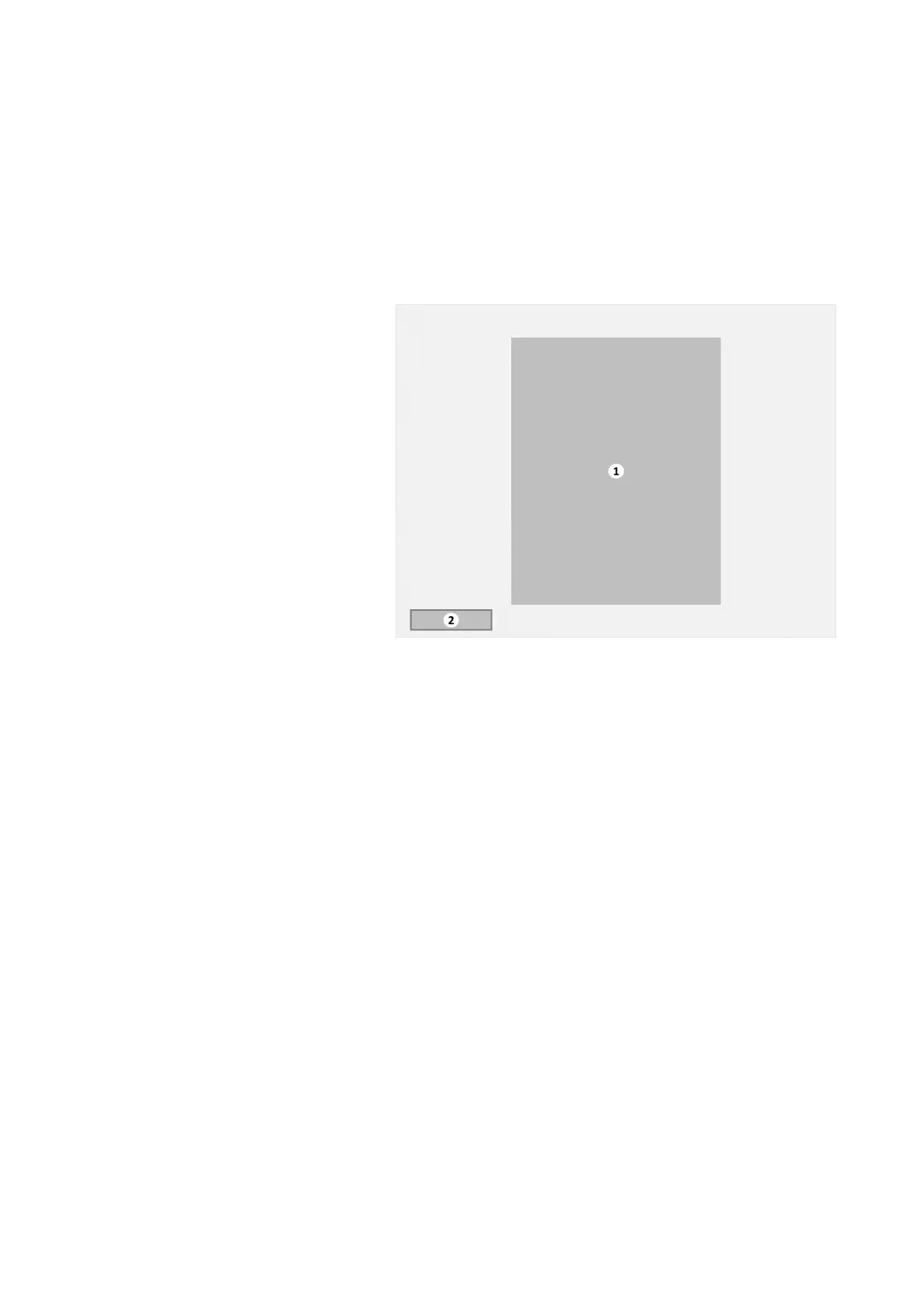
Information submenu
1. Customized information
2. [Cancel] button
The customized information image shows details about the
beverage or coffee machine and is defined for every available
language (for example: Food allergy warnings).
Tap the [Cancel] button to return to the Main menu.
Virtu CEC Medium Cabinet 70/90 CoEx® brewer User Manual 5DUCEK20M EN V2.1
32












 To Next Page