3.
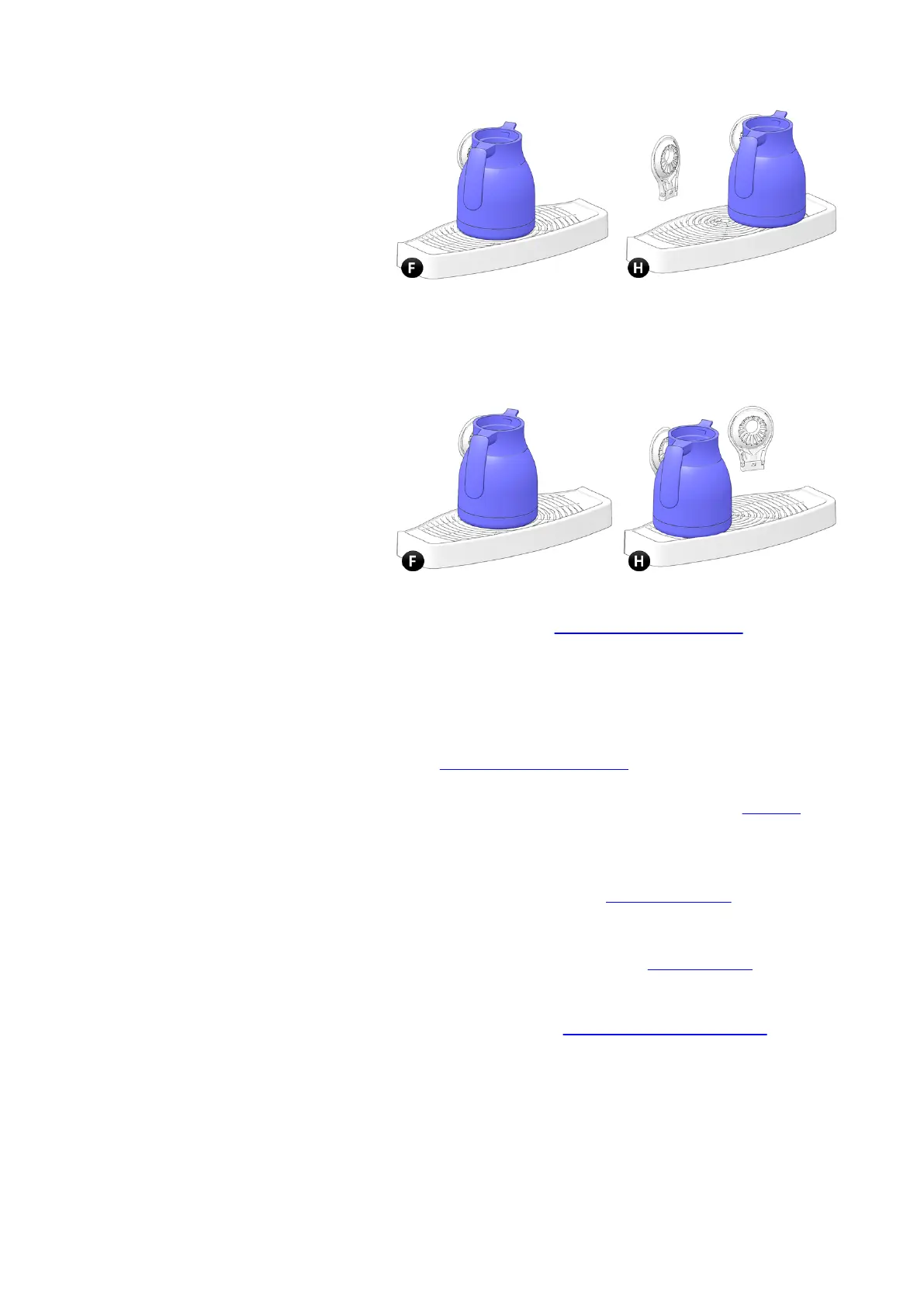
For all other dispenses: on a machine with one cup stand (F)
place the jug in the middle. On a machine with two cup
stands (H) place the jug on the left side below the main
outlet.
4. If the jug submenu is not visible tap the [Jug] button from
the main menu (see Main menu - Cup dispensing on page 21).
5.
Tap the desired beverage and jug filling from the shown
selection buttons.
▪ or tap the [Cup mode] button to return to the Main menu
6. Tap the [Start] button to start the dispense.
▪ tap the [Cancel] button to return to the Main menu (see
Main menu - Cup dispensing on page 21).
▪
when payment mode is activated, full payment is needed
first to enable the [Start] button. Check the payment (on
page 40) section for more details.
▪ if the [Start] button is disabled check the Message area
for more details.
7.
The Dispense submenu (see Dispense submenu on page 28) is
now displayed.
▪
tap the [Stop] button to interrupt and stop the dispense.
8. When the dispense is finished the Ready submenu (on page
29) is shown.
▪ do not remove your cup/jug until the message "Ready,
take your cup (see Message: Ready, take your cup on page
102)" is shown.
▪ the message will remain visible on the screen until the
cup/jug is removed.
▪ to add an additional beverage to the same cup/jug tap the
[Cancel] button.
Virtu CEC Medium Cabinet 70/90 CoEx® brewer User Manual 5DUCEK20M EN V2.1
38












 To Next Page