Allows individual readings to be sent to a computer, printer or compatible device as they are taken
using Bluetooth wireless technology. See www.defelsko.com/bluetooth
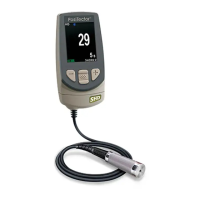
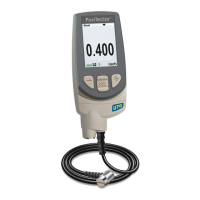
PosiTector Advanced models have Bluetooth functionality to:
- Communicate with the PosiTector Desktop Manager (PDM) in lieu of a USB cable.
- Stream individual readings to a computer or Bluetooth wireless printer as they are taken.
- Print to the optional battery powered Bluetooth wireless printer.
Turns Bluetooth functionality ON. When selected, the icon will appear on the display.
The instrument and receiving device must be paired before stored or streamed datasets can be
transmitted. For pairing instructions, see http://www.defelsko.com/bluetooth
Lists information about your current Bluetooth connection, including the currently paired device
and MAC address.
When checked, the instrument will stream datasets to the paired Bluetooth Device as they are
taken. Datasets can be streamed as they are taken to the optional Bluetooth printer or third-party
computer software.
Displays menu options that enable the PosiTector body to communicate with wireless
PosiTector PC probes. See http://www.defelsko.com/pc
Bluetooth Wireless Printer
PosiTector Advanced models can output to the optional battery powered Bluetooth wireless
printer one of two ways:
-Stream individual readings as they are taken.
-Print stored batch readings and summaries
Begin by entering the Connect > Bluetooth menu. Turn Bluetooth ON and “Pair” the PosiTector
to the printer. See: www.defelsko.com/bluetooth
Streaming: In the Connect > Bluetooth menu, select the “Stream” tick box. All readings will now
be simultaneously displayed on the LCD and sent to the printer.
Printing: In the Memory menu, select Print.



 To Next Page
 Loading...