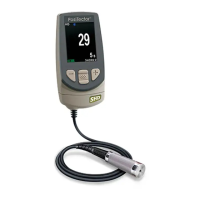
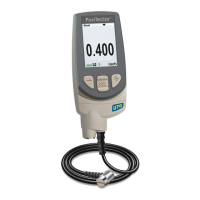
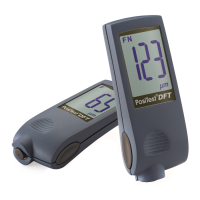
Before returning the Gage for service…
1. Install new or newly recharged batteries in the proper alignment as shown within
battery compartment.
2. Examine the probe for damage. Use the supplied cleaning tool to clear dirt or debris
from the test cell.
3. Perform a Hard Reset. (pg. 8 )
4. If issue is not resolved, Update (pg. 17) your PosiTector gage body and
re-attempt measurements.
IMPORTANT:
If you must return the Gage for service, please fill out and include the Service Form located at
www.defelsko.com/support with the Gage. Be sure to also include the probe, your company
name, company contact, telephone number and fax number or email address.
DeFelsko's sole warranty, remedy, and liability are the express limited warranty, remedy, and
limited liability that are set forth on its website: www.defelsko.com/terms
www.defelsko.com
© DeFelsko Corporation USA 2016 All Rights Reserved
This manual is copyrighted with all rights reserved and may not be reproduced or transmitted, in whole or part, by any
means, without written permission from DeFelsko Corporation.
DeFelsko, PosiSoft, PosiPatch and PosiTector are trademarks of DeFelsko Corporation registered in the U.S. and in
other countries. Other brand or product names are trademarks or registered trademarks of their respective holders.
Every effort has been made to ensure that the information in this manual is accurate. DeFelsko is not responsible for
printing or clerical errors.



 To Previous Page
 Loading...