USER'SMANUALOFEMBEDDEDDIGITALVIDEORECORDER
Page 25 of 27
ChapterFour:WEBOPERATION
4. WEBOPERATION
4.1ConnectDVRwithnetworkandinsureitisrunning.
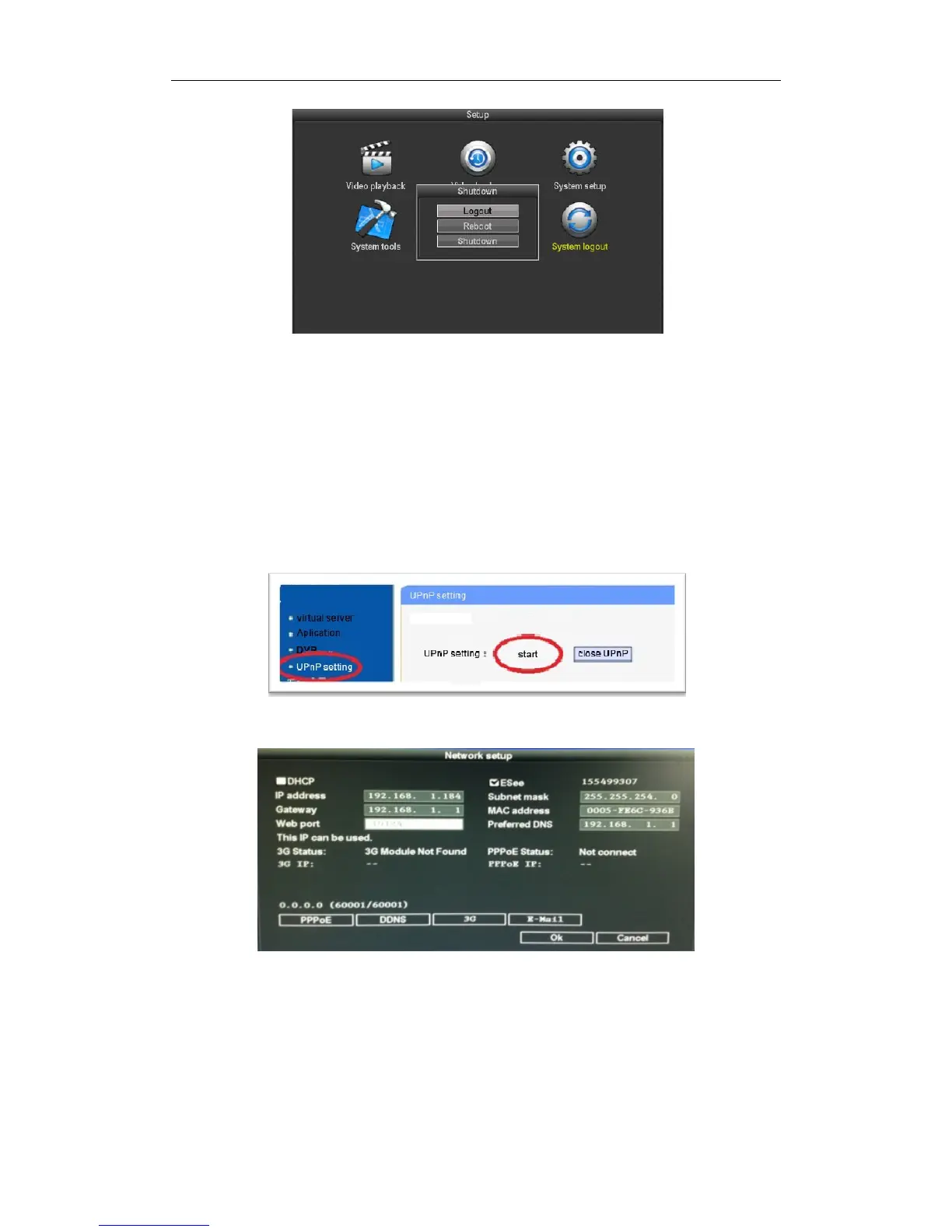
4.2 Setup the UPNPfunction fromRouter: this Router is TP‐LINK, just findthe UPNPout and
setup.
4.3 TurnintoDVR:clickrightbuttonofmouse‐setup‐systemsetup‐networksetupasbelow:
IPAddress:ThedefaultIPaddressis192.168.1.114(filloutaccordingtoyouractualsituation,IfIPwithout
conflict,noneedtochange.)
SubnetMask:Thedefaultsubnetmaskis255.255.255.0
Gateway:Thedefaultgatewayis192.168.1.1(canbechangeaccordingtotheactualsituation)routers
runningstatuscancheckfromsegment.



 To Next Page