USER'SMANUALOFEMBEDDEDDIGITALVIDEORECORDER
Page 27 of 27
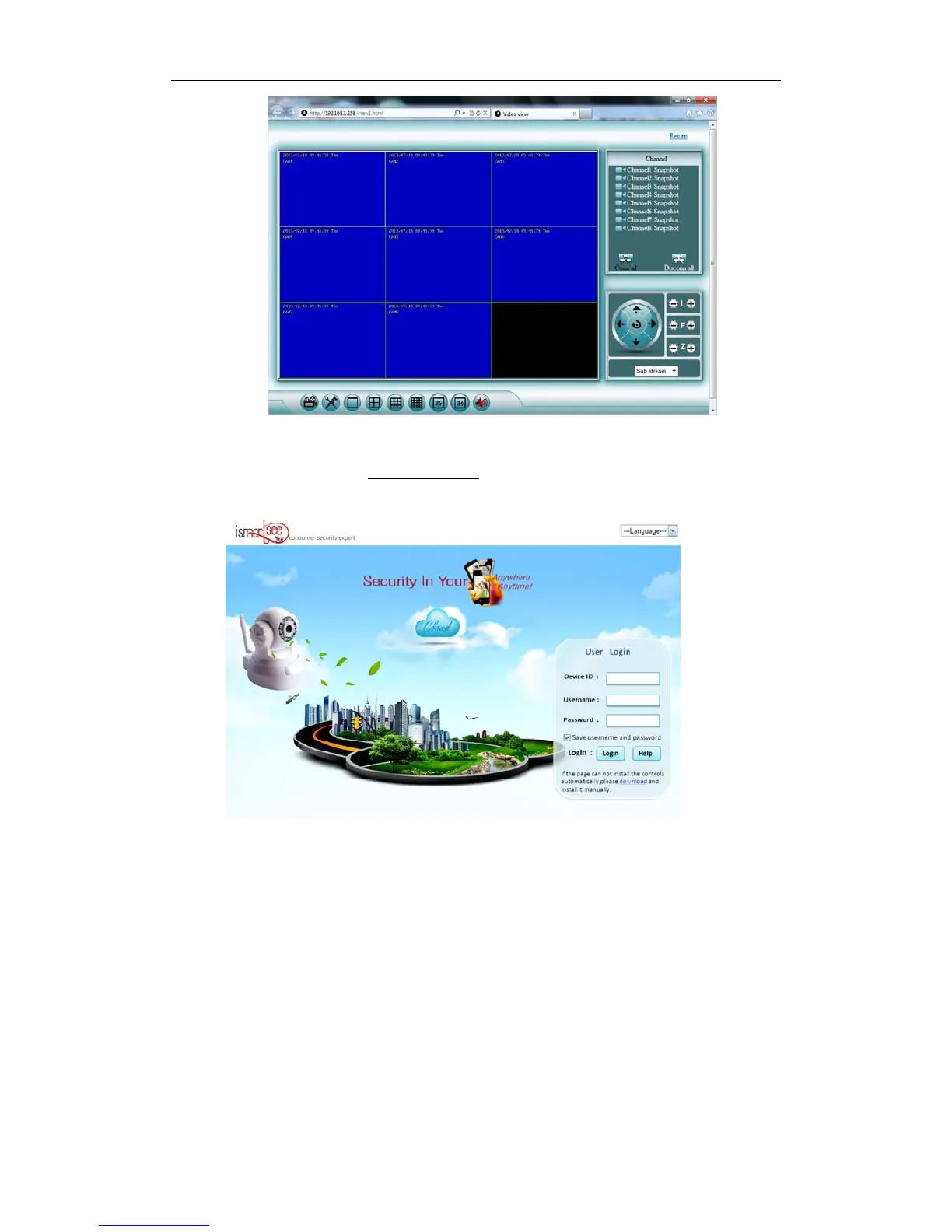
4.5 IEbrowservisit(useP2Pmode)
4.5.1OpenIEonacomputer,Inputwww.ismartp2p.com.InputEseeID(see3.8.3.4Networksetup)intoDeviceID,
usernameandpasswordasDVR.Defaultusername:admin,passwords:nothing.
4.5.2Click“login”, thebrowserwillaskyoutoinstallthe controls (plug‐in),ifitisnotalreadyinstalledin
thebrowser.Proceedwiththeinstallation.



 To Next Page