V0413, 6
firm the value. A programmed value is also confirmed when
an arrow key is pressed. In some cases, the <arrow left/
right> keys can also be used to change values.
• Steps and their parameters can only be programmed and
viewed when the control is stopped.
• To start execution of a program, press the ‘Start' key.
3.3 Product programming
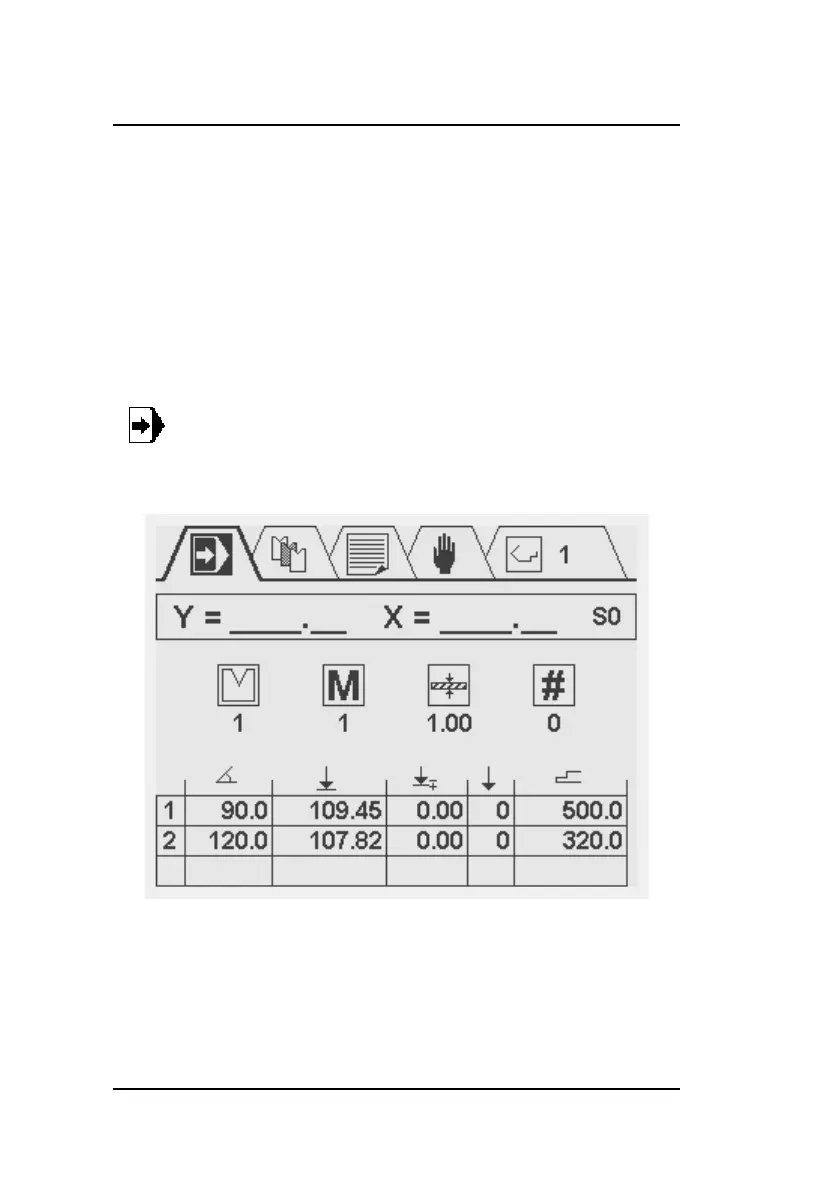
This programming screen in divided into three areas. From top
to bottom these are:
• Current Y and X position
• General product properties
• Table with bend steps, each step has several parameters
Select this symbol in the menu bar for prod-
uct programming and execution



 To Next Page