V0413, 26
5. Production mode
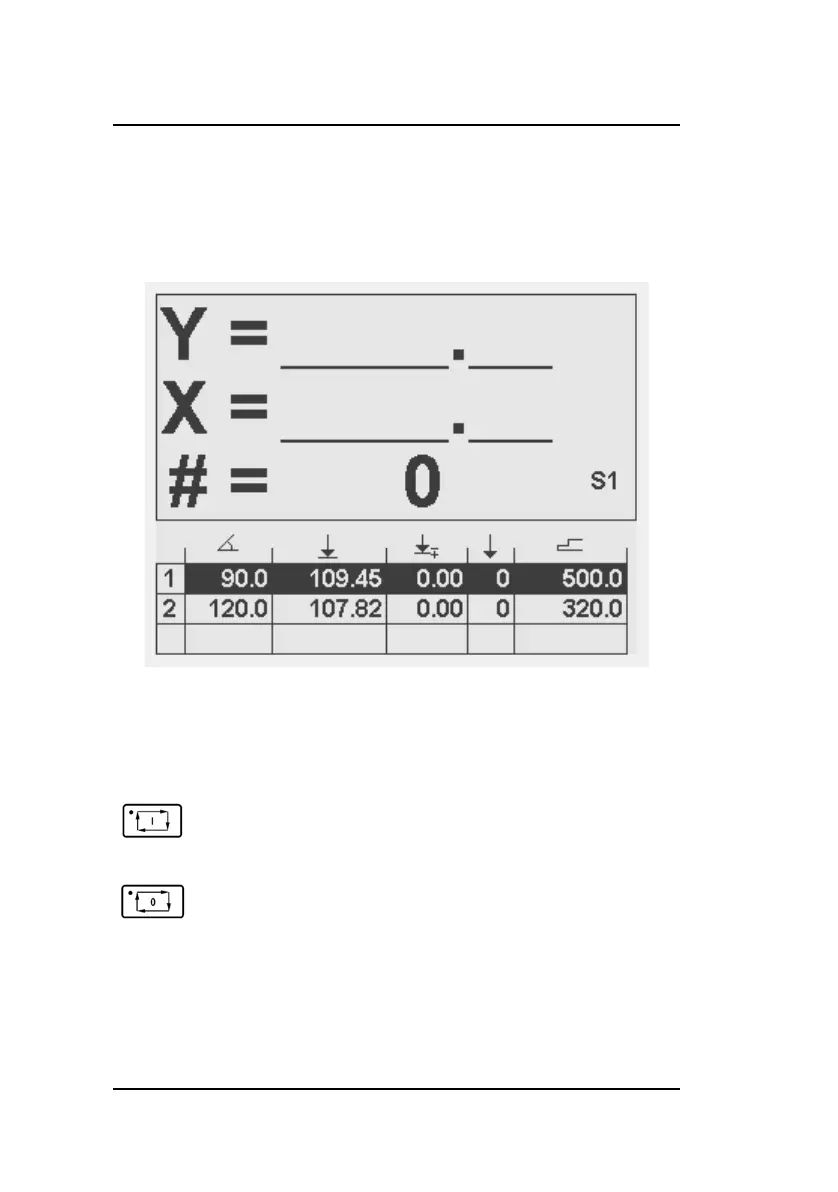
Program execution is carried out from the programming screen.
From here, it is possible to execute one or more bend steps.
When started the actual Y and X-axis positions, together with
the Stockcount value are displayed in a larger font.
A program is repeated until ‘Stop’ is pressed or until the stock
counter (#) has reached 0 after down counting.
To start a program, press ‘Start’. The control will
begin execution of the step on which the cursor is
placed.
To stop execution, press ‘Stop’.



 To Next Page