Delem
V0413, 21
4.4 Product programming
In order to create a new product, or modify an existing product
select the desired product number in the product selection
menu. After this switch to the programming screen. This is
described in the next paragraph.
4.4.1 Product programming screen
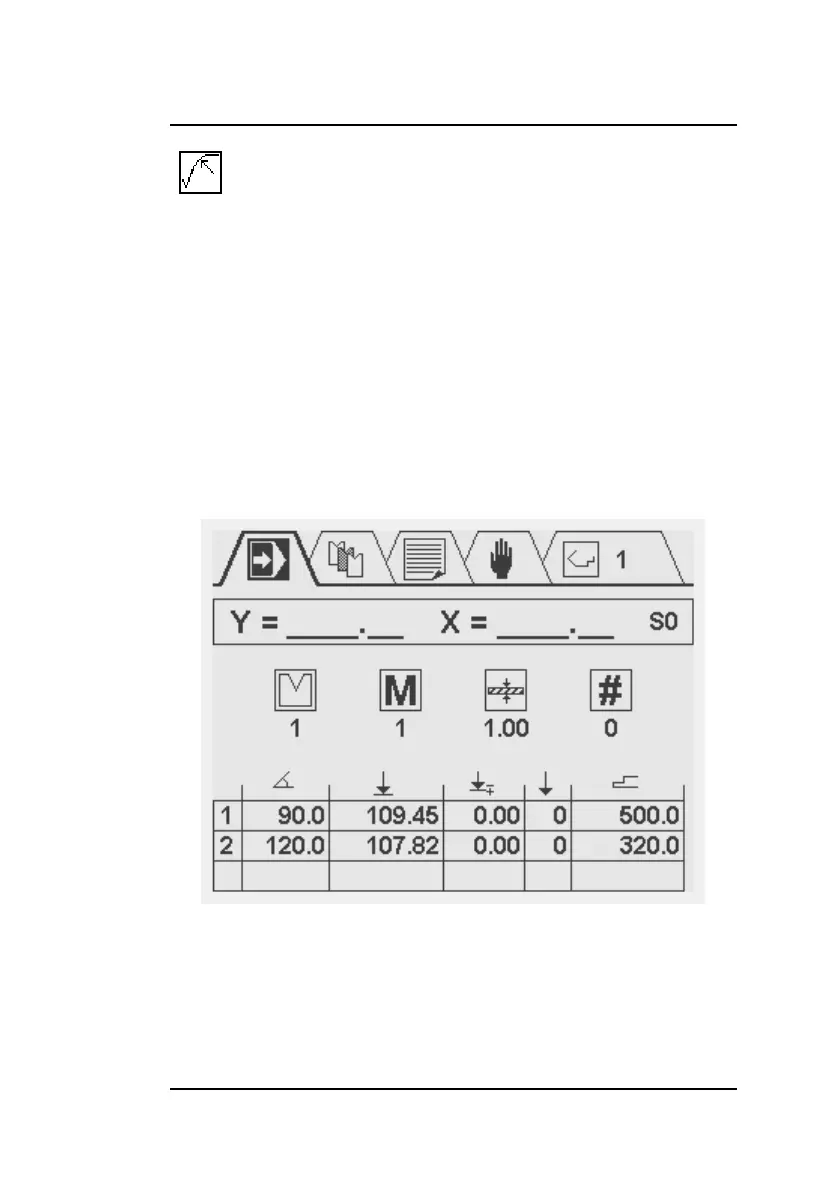
As mentioned in section 3.3, this programming screen shows,
from top to bottom, the following information: current axes posi-
tions, general product properties and a table with bend steps.
In middle of the screen, the general product properties are dis-
played:
Radius of the die.



 To Next Page