V0413, 28
6. Diagnostics
6.1 Diagnostic screen
If the START or STOP button is pressed for 2 seconds in the
automatic mode screen the DA-41 will enter its build in diagnos-
tic screen. In total there are 3 screens, the arrow keys up and
down can be used to navigate through the screens. The diag-
nostic mode can be switched off by pressing the STOP key for 2
seconds again.
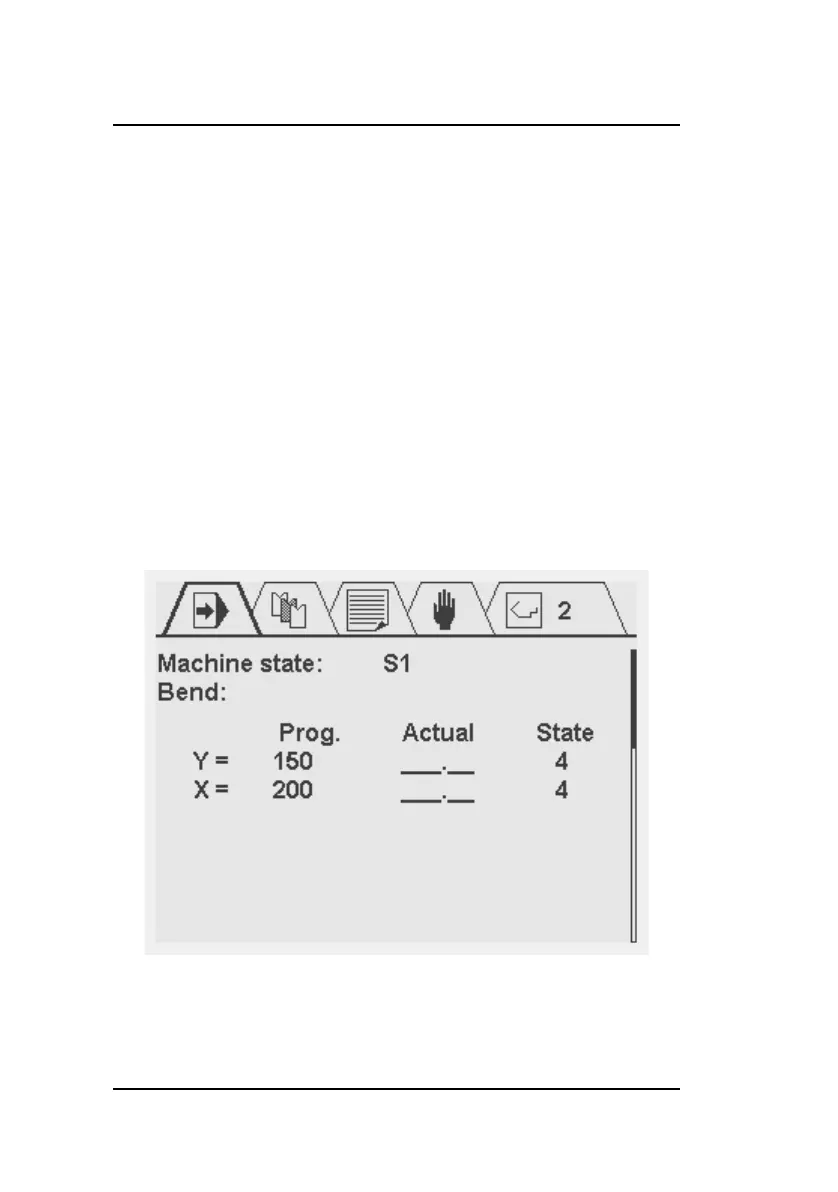
Screen1: Position overview
The programmed position, actual position and control state for
the Y- and X-axis are displayed.



 To Next Page