V0413, 16
3.8 Key lock
The control is equipped with a key lock function, to prevent
unauthorised programming. Whether the key lock function is
available or not depends on the machine specifications.
If the control is unlocked, it can be programmed as described in
this manual.
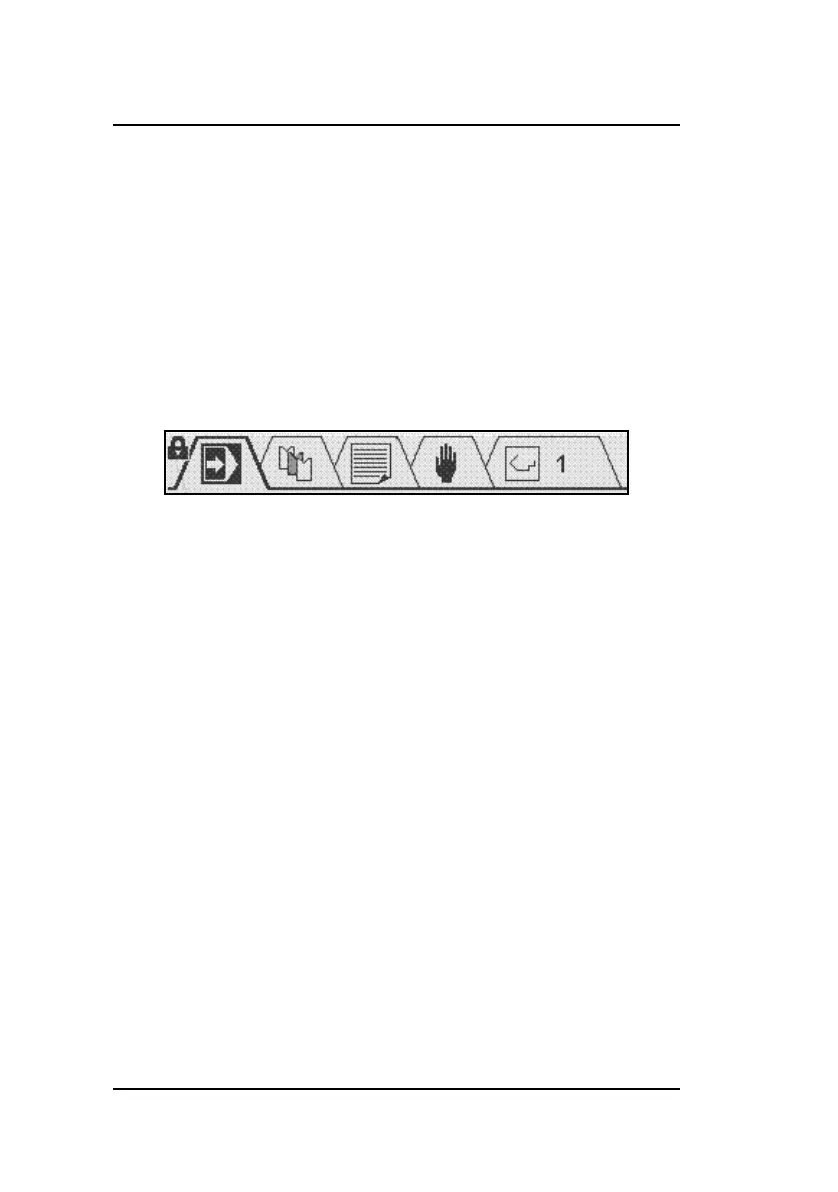
If the control is locked, it is indicated by a lock symbol in the
upper left corner of the programming window.
When locked, the following operational restrictions apply:
• programs cannot be created or edited
• programs cannot be deleted
• tools cannot be created or edited
The following actions are still possible when the control is
locked:
• programs can be selected (if they consist of one or more
steps)
• programs can be executed
• Y-axis corrections within programs can be changed
• program constants can be changed
• axes can be moved through the manual movement screen



 To Next Page