Delem
V0413, 15
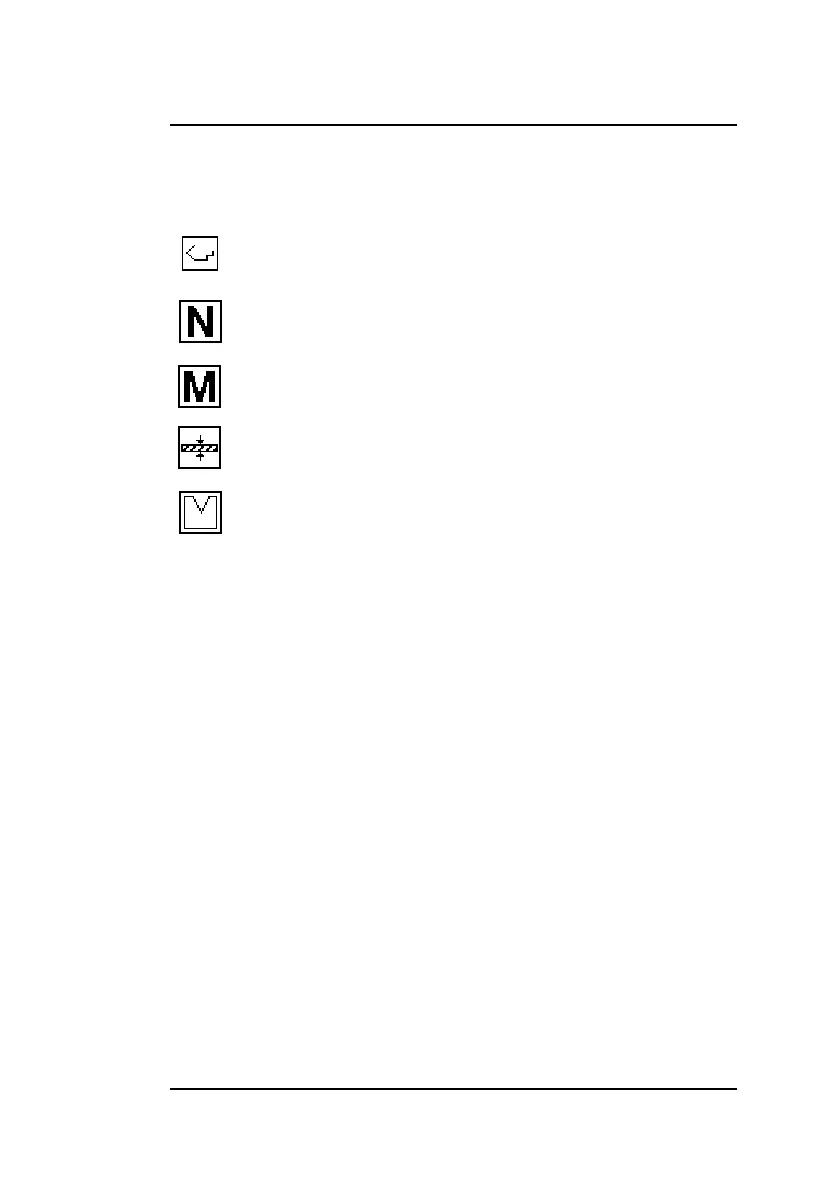
The symbols above each column have the following meaning:
There are 100 product programs available in the control. To edit
a program, it must be selected first. By default, all programs con-
sist of 0 steps. As soon as a program has been selected, one
step is added to the program.
To select a program, move the cursor to the required program
number and press ENTER to select it. This program number is
also displayed in the upper right corner of the screen, beside the
mode symbol.
To select a program with a high number (e.g. 74), press the first
digit of this number (e.g. 7). The cursor will automatically jump to
the group of numbers that begin with this digit. Then use the
arrow keys to get to the correct program number.
When a program has been selected, the control automatically
switches to the programming mode.
A program remains active until another program is selected or
until it is deleted.
To delete a program, move the cursor to the program number
and press the clear key. The program number remains, but the
number of steps is reset to 0.
Current selected product.
The number of bends in this product.
Material ID number in this product.
Sheet thickness of this product.
Used tool in this product.



 To Next Page