V0413, 14
In this screen the X- and Y-axis can be moved manually with the
arrow keys. This can only be done when the control is not
started. By using the arrow keys up and down the Y or X-axis
can be selected.
To move an axis gradually, press the left or right arrow key once.
To move an axis at high speed, press the arrow key continu-
ously.
3.7 Product selection
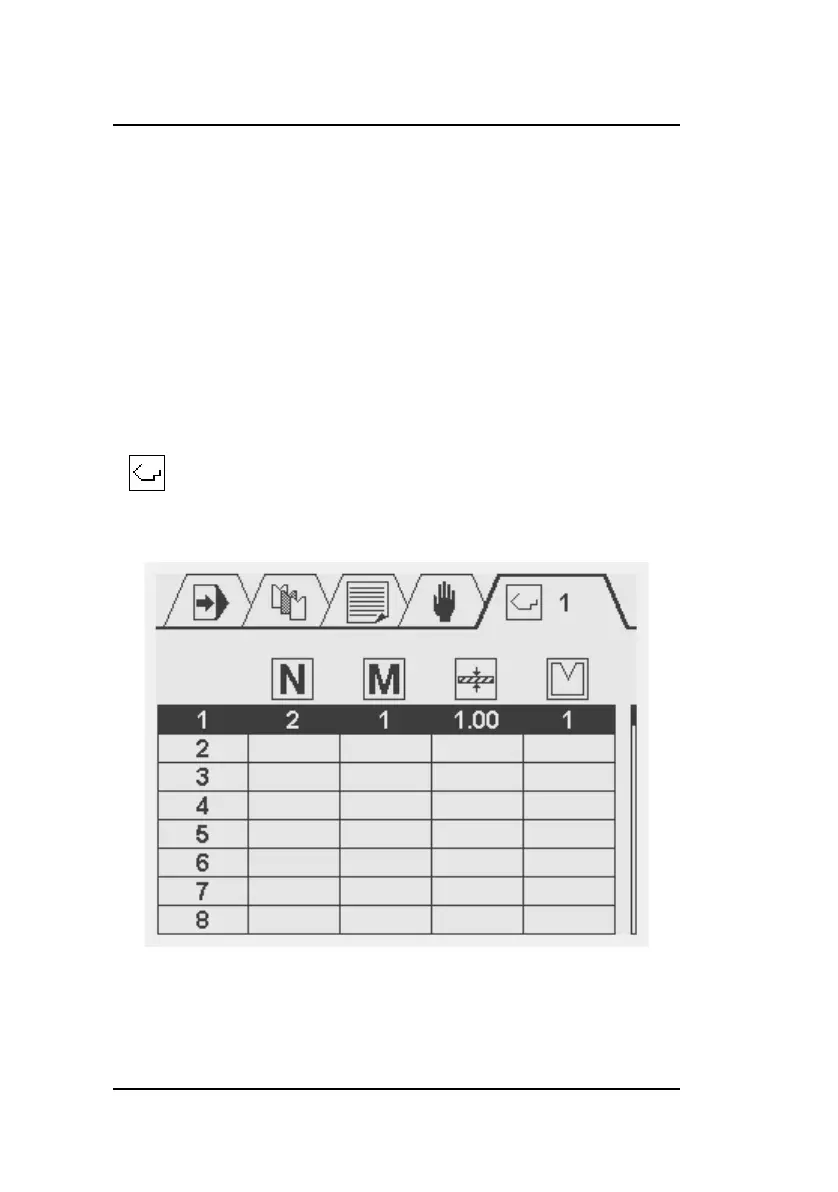
Select this symbol in the menu bar for the
product selection screen



 To Next Page