Delem
V0413, 5
3. Operating modes
3.1 Introduction
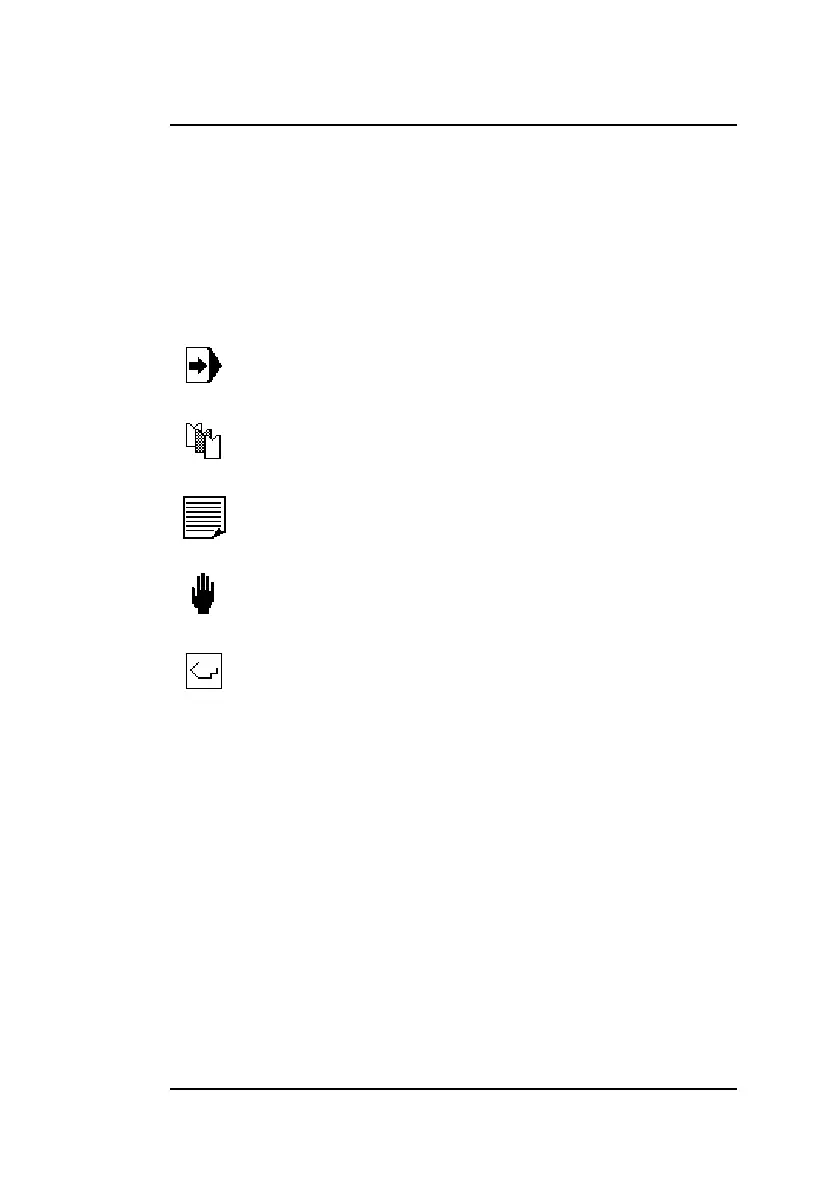
The control has several modes for programming and operation:
It is indicated in the top of the screen which mode is active.
3.2 Basic navigation
• To switch between modes, press the <arrow up> key until
the mode symbol is highlighted. Then use the <arrow left>
and <arrow right> key to move to the required mode.
• To enter a mode press the arrow key down.
• Within a mode, use the arrow keys to move around between
parameters and fields.
• To program a parameter, move the cursor to the appropriate
symbol and type the required value. Press ENTER to con-
product programming and execution
tool programming
program constants
manual movement
bend program selection



 To Next Page