V0413, 8
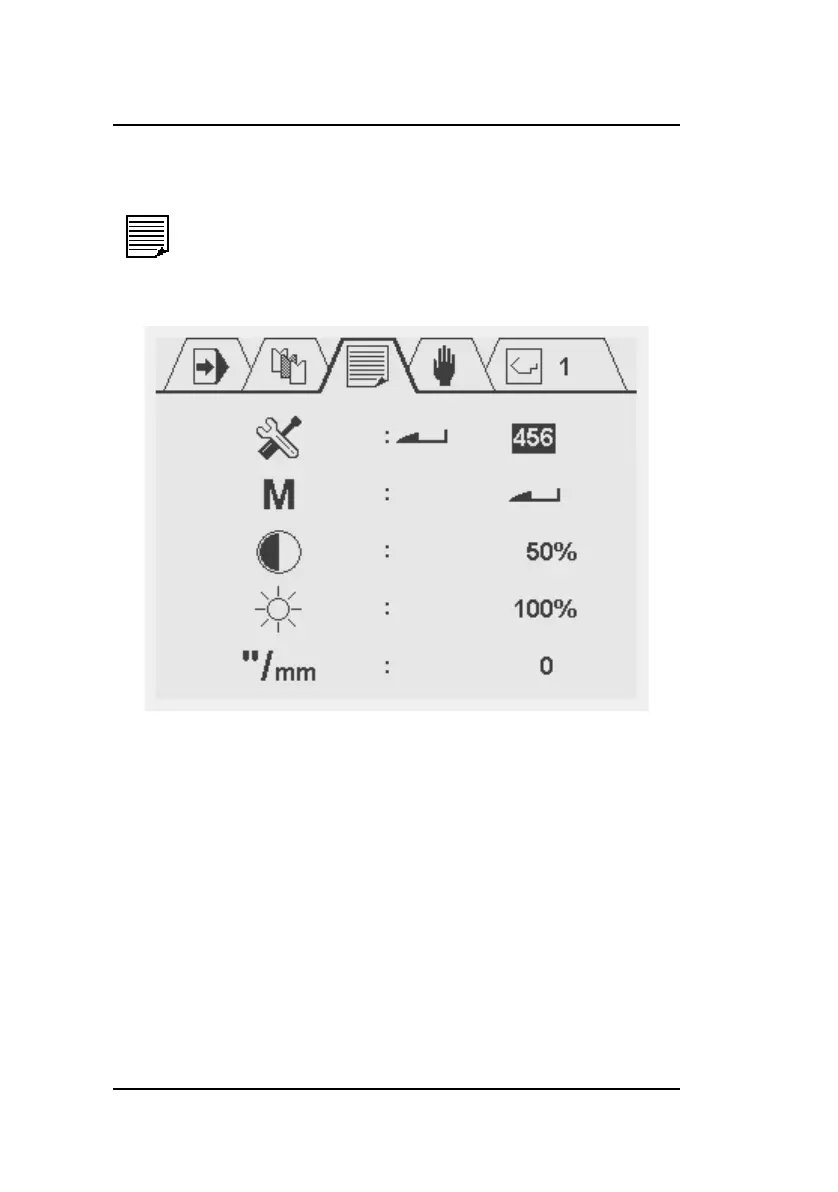
3.5 Program constants
In this screen, several control settings can be viewed and
changed.
Parameters (except the read-only ones) can be edited using the
arrow keys (left and right) or they can be programmed numeri-
cally. The program constants menu can be exit by navigating to
the upper symbol menu with the arrow up key or by pressing the
STOP button to return directly to the automatic production mode.
Select this symbol in the menu bar for the
program constants



 To Next Page