Delem
V0413, 9
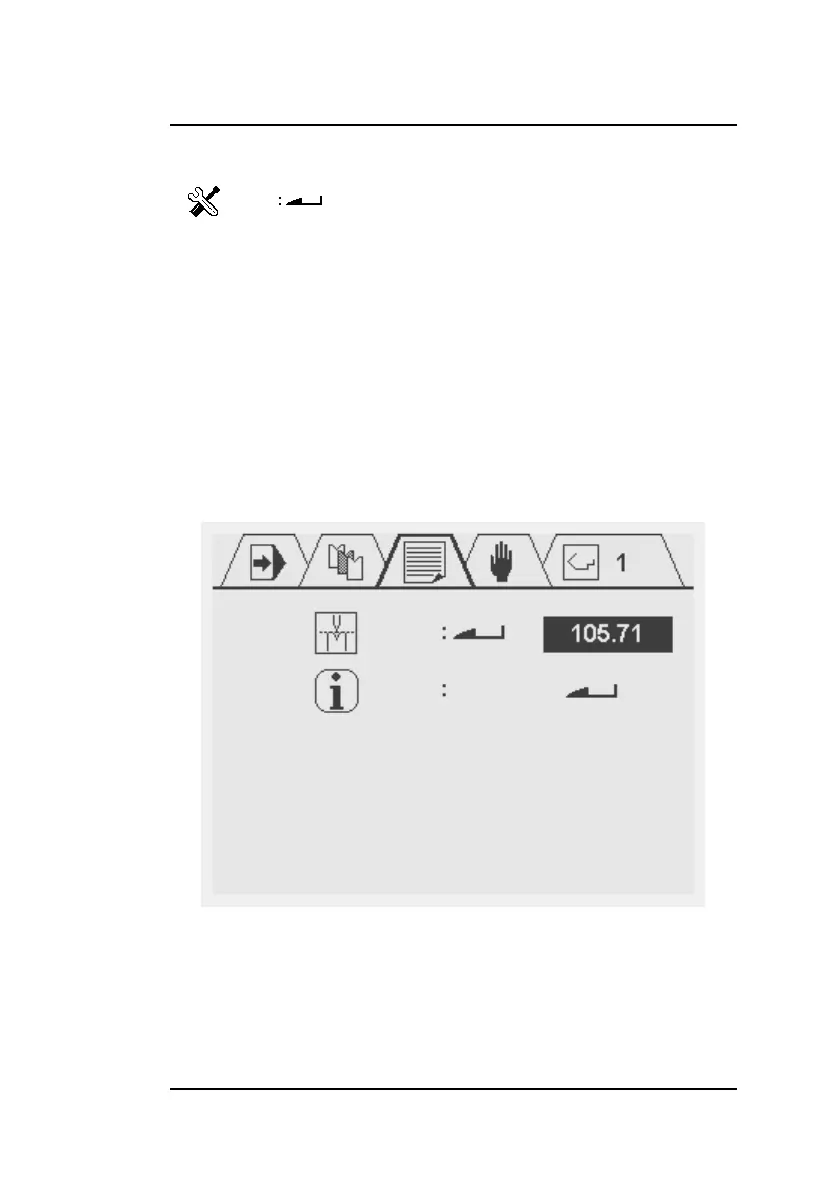
In the service screen the actual calibration point can be pro-
grammed and an overview of actual system information is avail-
able.
Service menu:
To access the service menu type the
code 456 followed by the enter key.
To exit the service menu press the
STOP button
Note: when enter the enter key is
pressed without the specified code
the calibration point will be displayed
but cannot be changed (read only).
This will be indicated with a lock
symbol in the upper right corner of
the screen



 To Next Page