Delem
V0413, 19
Note: when enter the enter key is pressed without the specified
code the calibration point will be displayed but cannot be
changed (read only). This will be indicated with a lock symbol in
the upper right corner of the screen.
A practical way to calibrate the machine is to place a sheet of
material between the tools and find the Y-axis position at which
the punch just touches the sheet (pinching point).
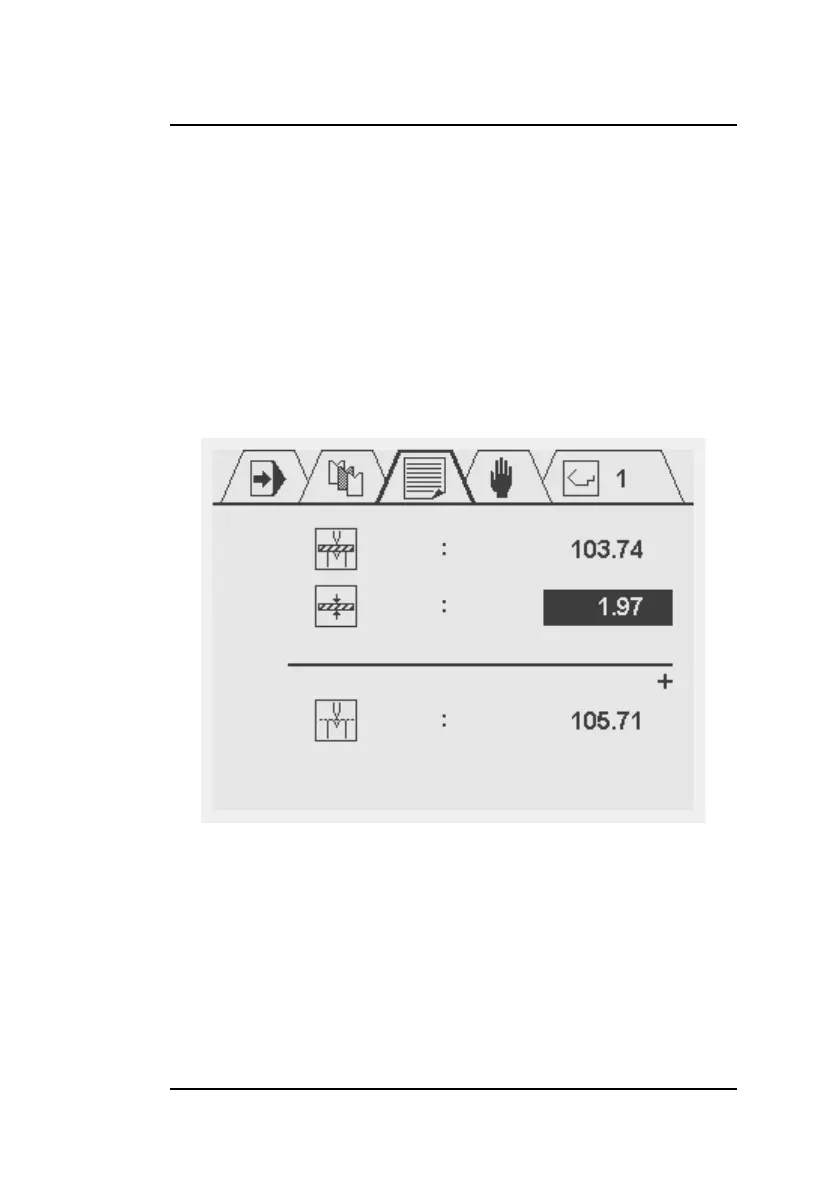
If the enter key is pressed again on the calibration point the fol-
lowing screen is opened.
The first parameter indicates the last used Y-axis position. The
second parameter is to define the thickness of the sheet that has
been used for the calibration. When the thickness value is
entered, the calibration point is calculated automatically.
To return to the previous screen, press the stop key.



 To Next Page