Installing Printer Drivers on Computers Running Windows 75
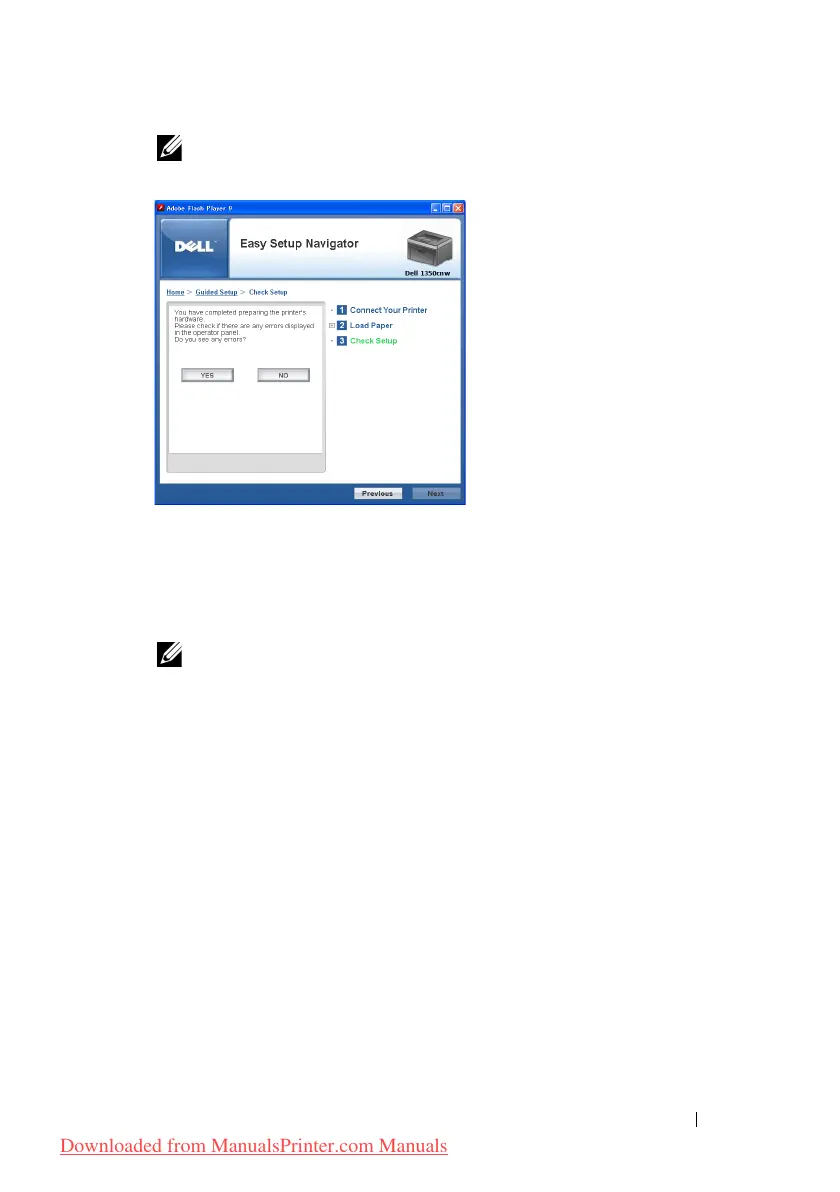
NOTE: If you see any errors, click YES and follow the instruction.
13
Click
Start Installation
.
14
Select
Local Installation
, and then click
Next
.
15
Check if the printer to be installed is listed in the
Select Printer
screen,
and then click
Next
.
NOTE: If the printer to be installed is not listed in the Select Printer screen, try
the following steps:
•Click
Refresh
to update the information.
•Click
Add Printer
, and then enter the details of the printer
manually.
16
Configure the required items on the
Enter Printer Settings
screen, and
then click
Next
.
17
Select the software to be installed, and then click
Install
.
Congratulations!
screen appears.
18
Click
Finish
to exit this tool.
Wireless Configuration is complete.
Downloaded from ManualsPrinter.com Manuals












 To Next Page