Sharing a Folder With Sub-folder From Your Computer
To create and share a folder, follow the steps found in "Sharing a Folder From Your Computer". To add sub-folder, you will need to create a sub-folder from
your share folder.
1. Create a folder in the desired directory on your computer (Example of folder name, MyShare).
2. From the folder, create your desired sub-folder. (Example of sub-folder name, MyPic\John. You should now see MyShare\MyPic\John in your directory)
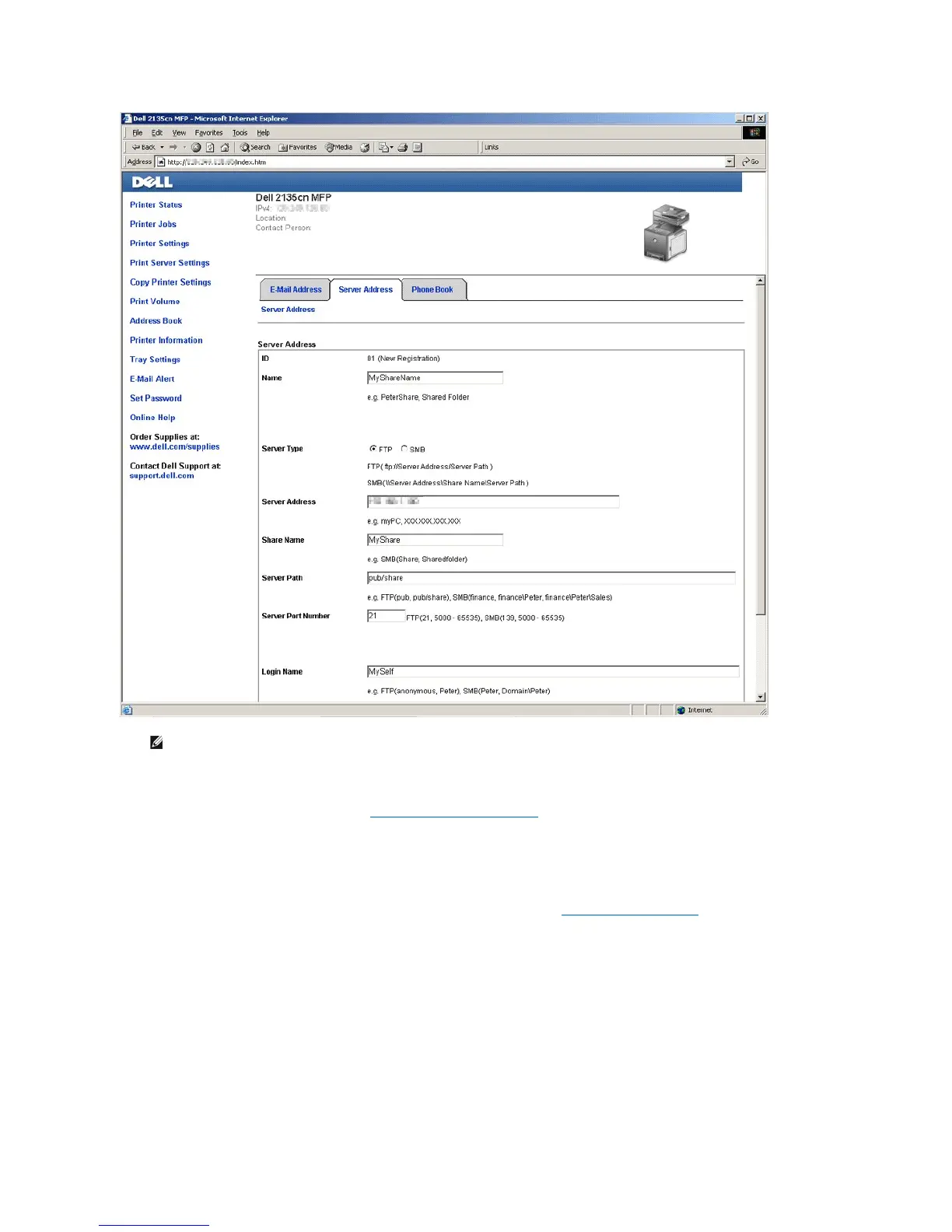
After you have created a folder and sub-folder, you will now need to setup the Address Book. See "Setting Up the Address Book" for the details.
Example of an entry for Scan to Computer with sub-folder, SMB.















 To Next Page