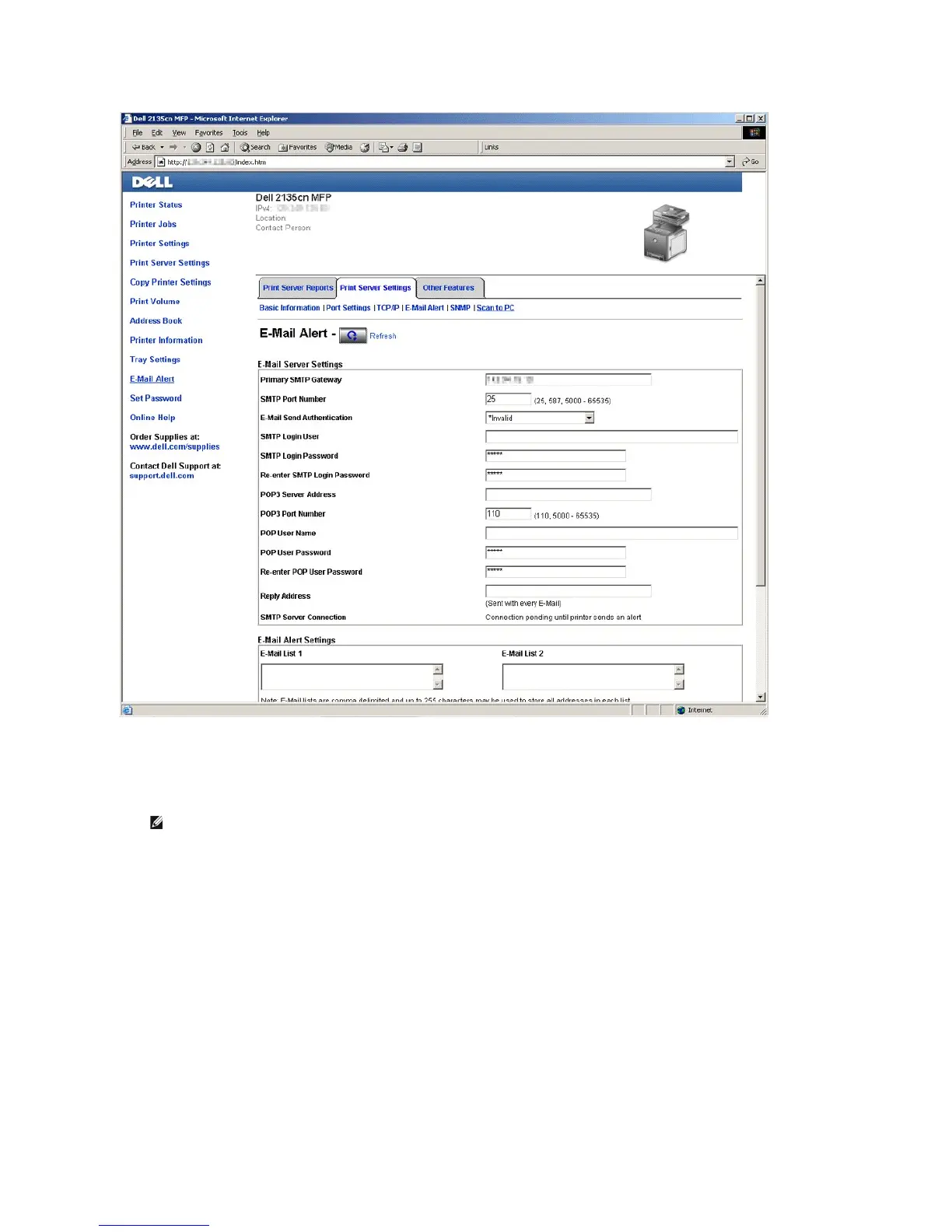
2. Specify the settings for E-Mail Alert as follows:
Primary SMTP Gateway: Enter the IP address of the e-mail server.
E-Mail Send Authentication: Specify Invalid to enable the e-mail server.
3. Click the Apply New Settings button.
Registering a New User
1. From the Dell Printer Configuration Web Tool, click Address Book, and then click the E-Mail Address tab.
2. Click the Create button.
The E-Mail Address page for registering a new user appears.















 To Next Page