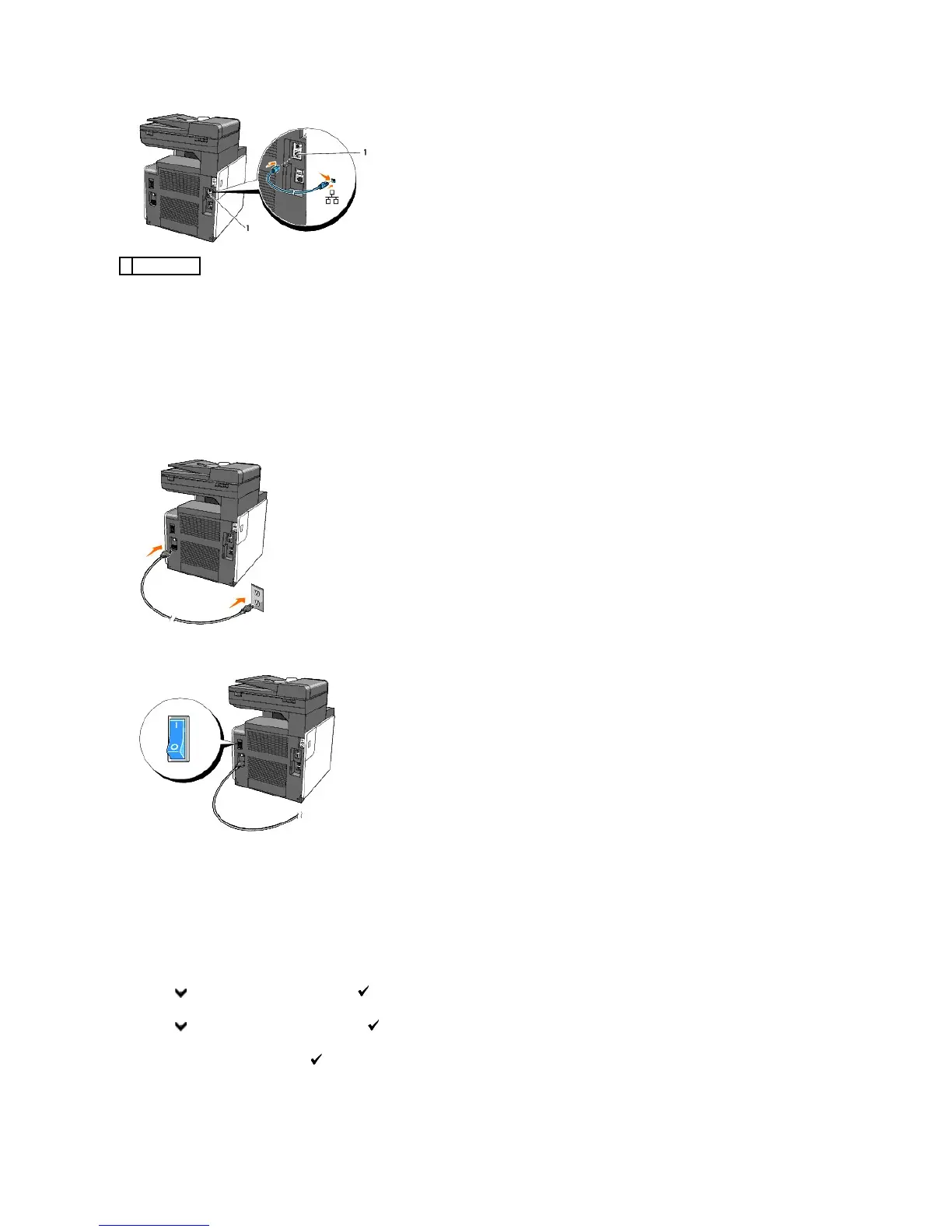
To connect the printer to the network, plug one end of an Ethernet cable into the Ethernet port at the back of the printer, and the other end into a LAN drop
or hub.
Turn On the Printer
1. Plug one end of the power cable into the socket at the back of the printer and the other end into a properly grounded power outlet.
Do not use extension cords or power strips.
The printer should not be plugged into a UPS system.
2. Turn on the computer and the printer.
Print and Check the System Settings Page
Print the System Settings page.
From the Printer Operator Panel
1. Press until >SETUP appears, and then press .
2. Press until >Reports appears, and then press .
3. System Settings is displayed. Press .
The System Settings page is printed.















 To Next Page