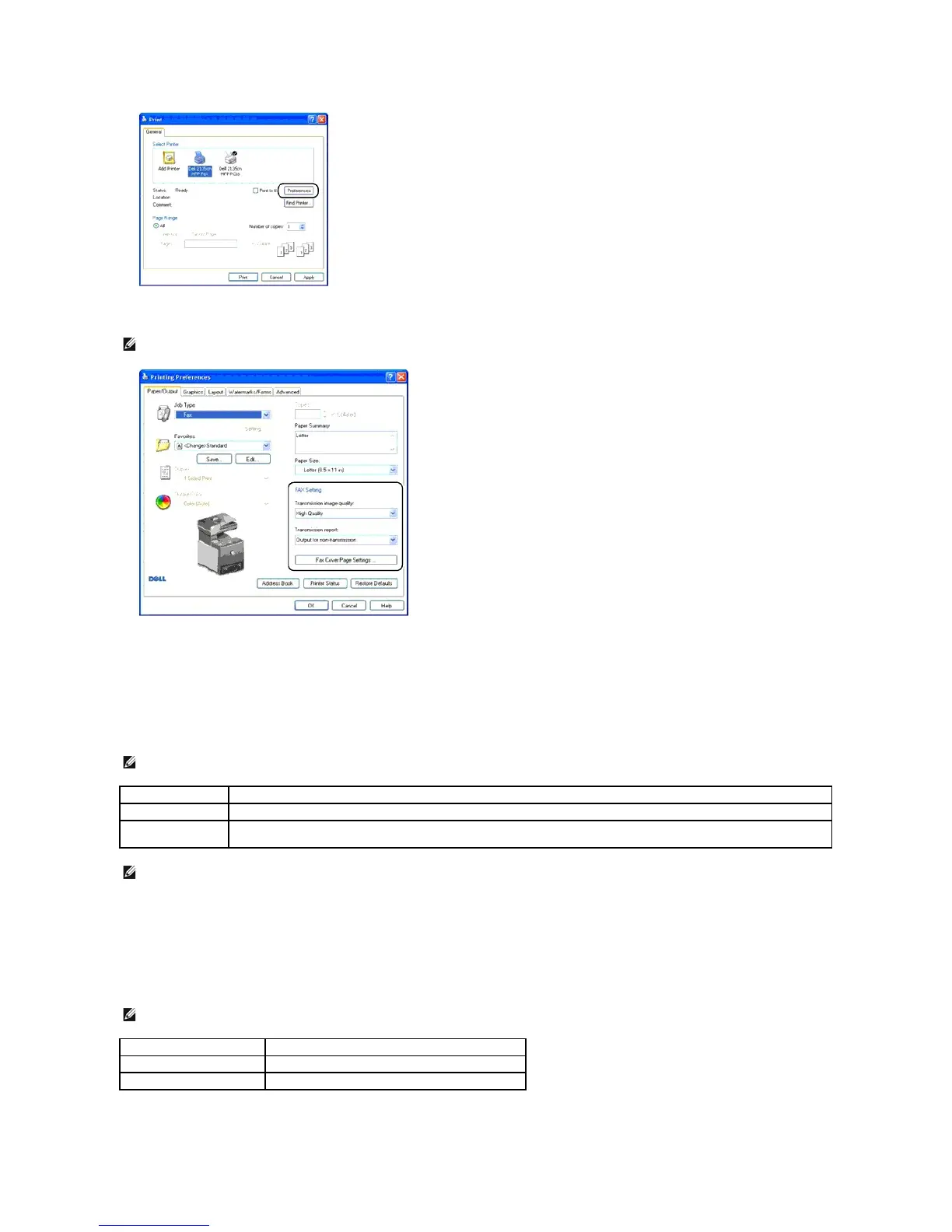
4. The Printing Preferences dialog box opens. You can use the FAX Settings to set the following settings.
a. Transmission image quality
Purpose:
To set the output quality.
Values:
b. Transmission report
Purpose:
To specify whether or not to print a fax transmission result.
Values:
NOTE: The settings done here are only applied to a single fax job.
NOTE: * denotes the factory default setting.
For documents with normal sized characters.
For documents containing small characters or thin lines or documents printed using a dot-matrix printer.
For documents containing extremely fine detail. The super fine mode is enabled only if the remote machine also supports Super Fine
resolution. See the notes below.
NOTE: Faxes printed in the Super-high image quality by Direct Fax driver transmits at the highest resolution supported by the receiving device.
NOTE: * denotes the factory default setting.
Prints a transmission result after every fax transmission.
Output for non-transmission*
Prints a transmission result only when an error occurs.
Does not print fax transmission results.















 To Next Page