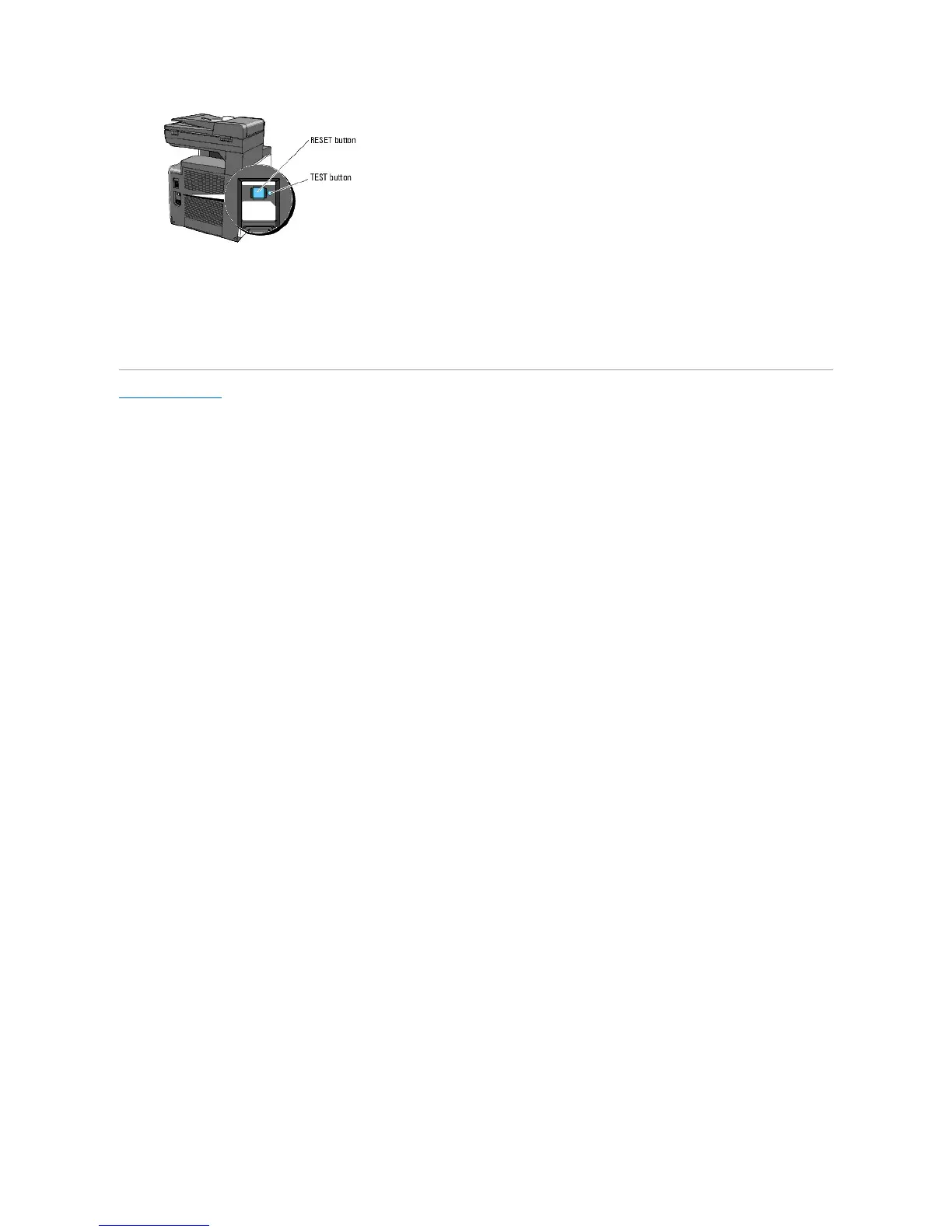
At least once a month, check whether or not the electric leakage detector is functioning by following the steps below:
1. Turn on the printer, and then press the TEST button.
l If the RESET button is tripped and the printer is turned off, the electric leakage detector functions correctly. Press the RESET button to turn the
printer back on.
l If the RESET button is not tripped, contact Dell. Do not continue to use the printer if the electric leakage detector is not functioning.
Back to Contents Page















 To Next Page