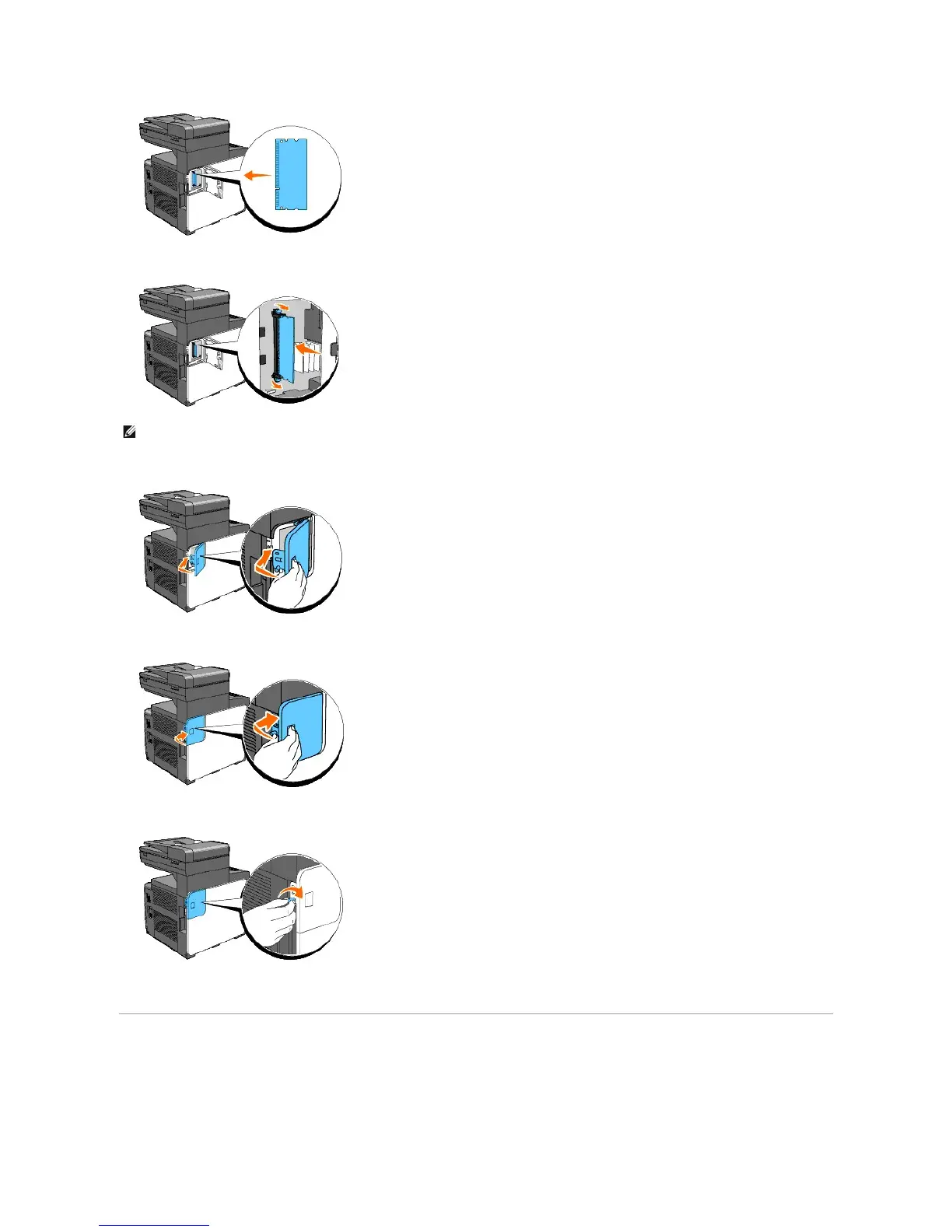
7. Push the memory card into the slot firmly.
8. Close the memory cover halfway until it stops, and then slide it towards the front of the printer.
9. Close the memory cover completely and slide it again towards the front of the printer.
10. Turn the screw in the clockwise direction.
11. Turn on the printer.
Print and Check the System Settings Page
Print a System Settings page to verify that the optional memory card is installed correctly.















 To Next Page