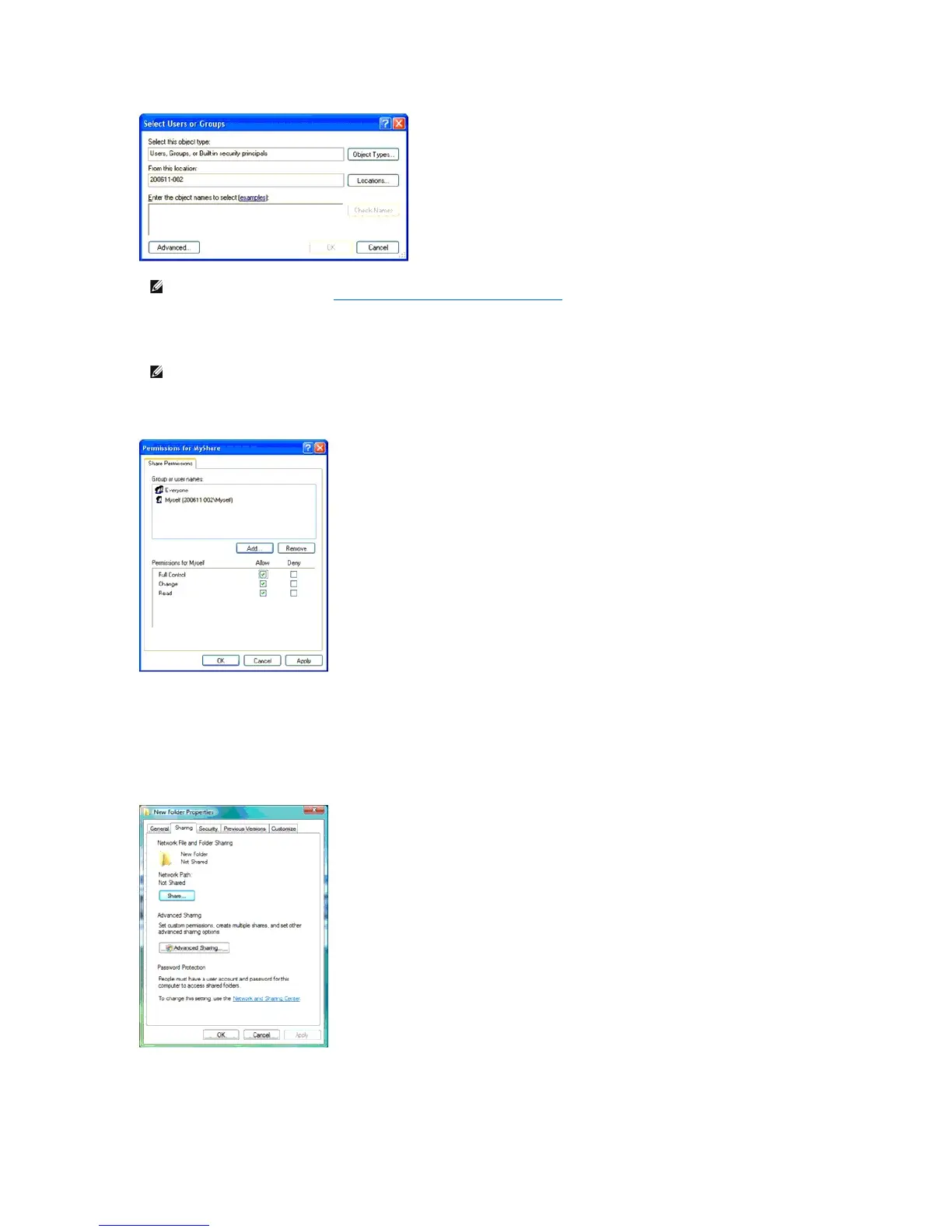
8. Click OK.
9. Click on the user login name that you have just entered. Select Full Control check box. This will grant you permission to send the document into this
folder.
If you are using Windows Vista or Windows Server 2008, you can share a folder with the following or similar instructions:
1. Create a folder in the desired directory on your computer (Example of folder name, MyShare).
2. Right-click on the folder, and then select Properties.
3. The Properties dialog box appears, click on the Sharing tab, and then select Advanced Sharing.
4. Select the Share this folder check box.
5. Enter a shared name in the Share name box.
NOTE: User login account with empty password will be rejected in the Scan to Folder authentication. Ensure that all user login accounts have a
valid and non-empty password. See "Creating a Password for Your User Login Account" for details on how to assign a password for your user
login account.















 To Next Page