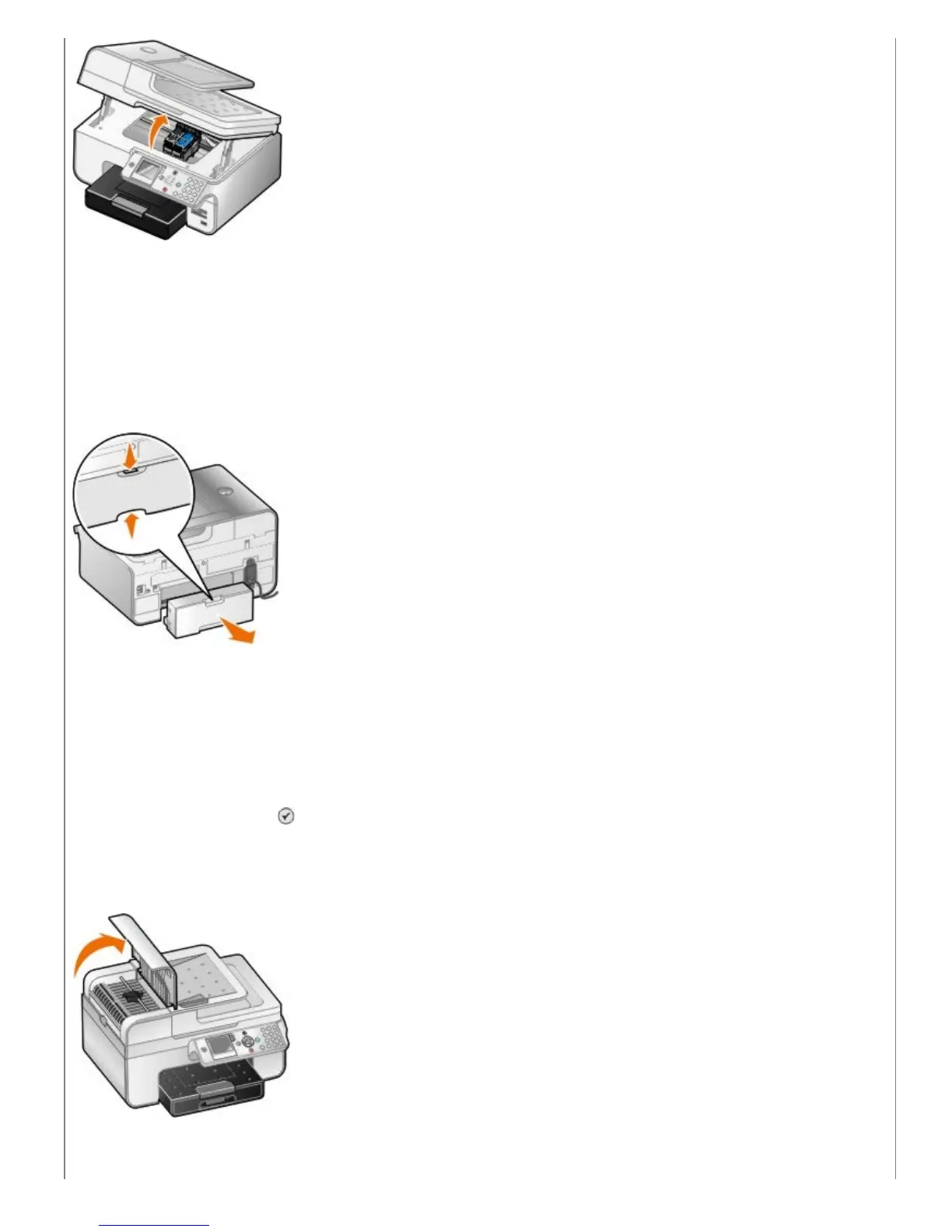
3. Firmly grasp the paper, and gently pull it from the printer.
4. Close the printer unit.
5. Turn on the printer, and print the document again.
If the jam is located in the duplex unit or near the rear access door:
1. If you have a duplex unit, remove it.
2. Open the rear access door.
3. Firmly grasp the paper, and gently pull it from the printer.
4. Close the rear access door.
5. Re-install the duplex unit.
6. Press the Select button
to continue printing.
If the paper jam occurs near the ADF:
1. Lift the ADF cover located to the left of the ADF input tray.
2. Firmly grasp the paper, and then gently pull it from the printer.


 To Next Page