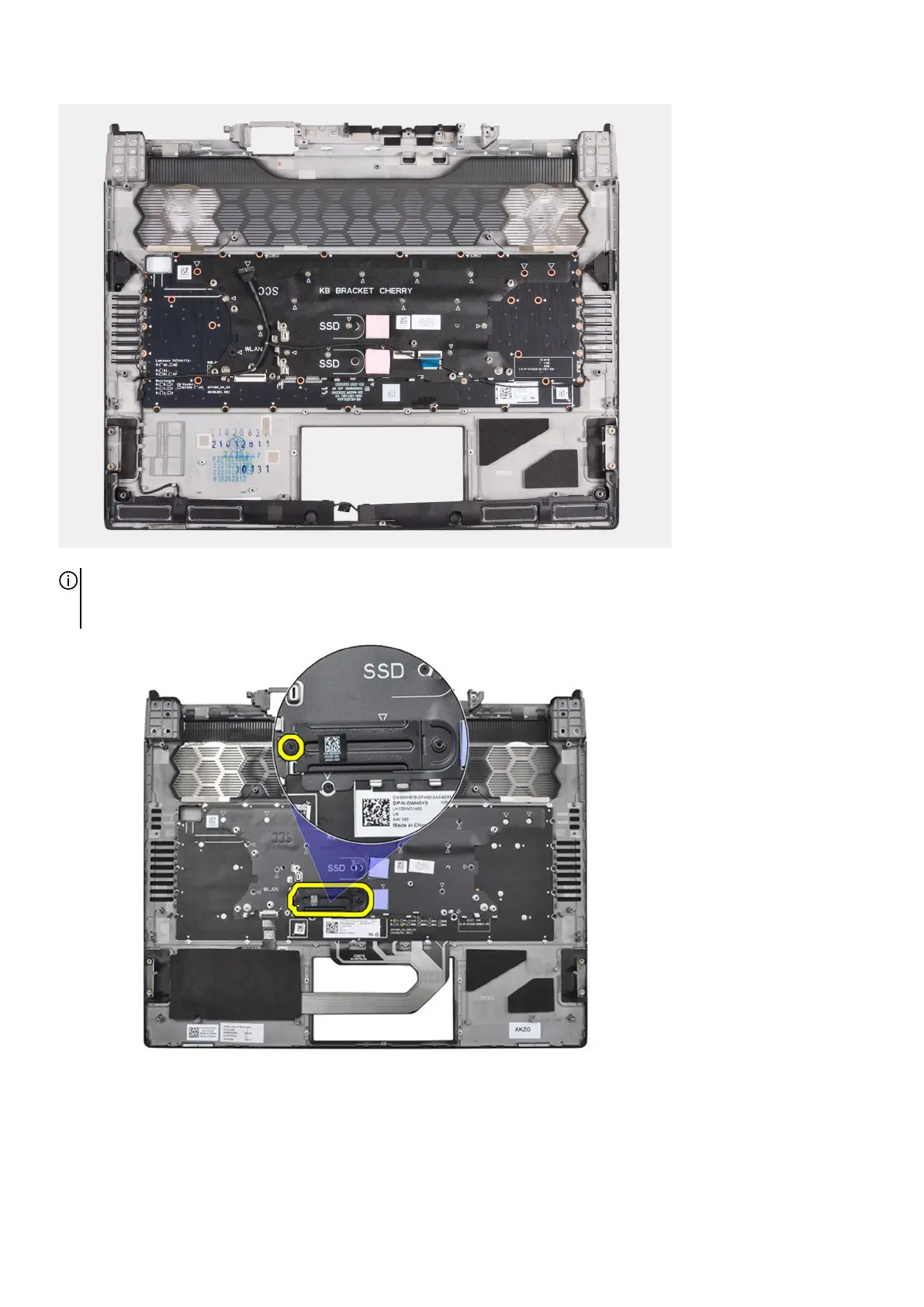
NOTE: When replacing the palm-rest and keyboard assembly for computers with a M.2 2230 solid-state drive installed, ensure
that the M.2 2230 solid-state drive mounting bracket has been removed from the palm-rest and keyboard assembly and
installed on the new palm-rest and keyboard assembly.
Installing the palm-rest and keyboard assembly
Prerequisites
If you are replacing a component, remove the existing component before performing the installation process.
79








 To Next Page