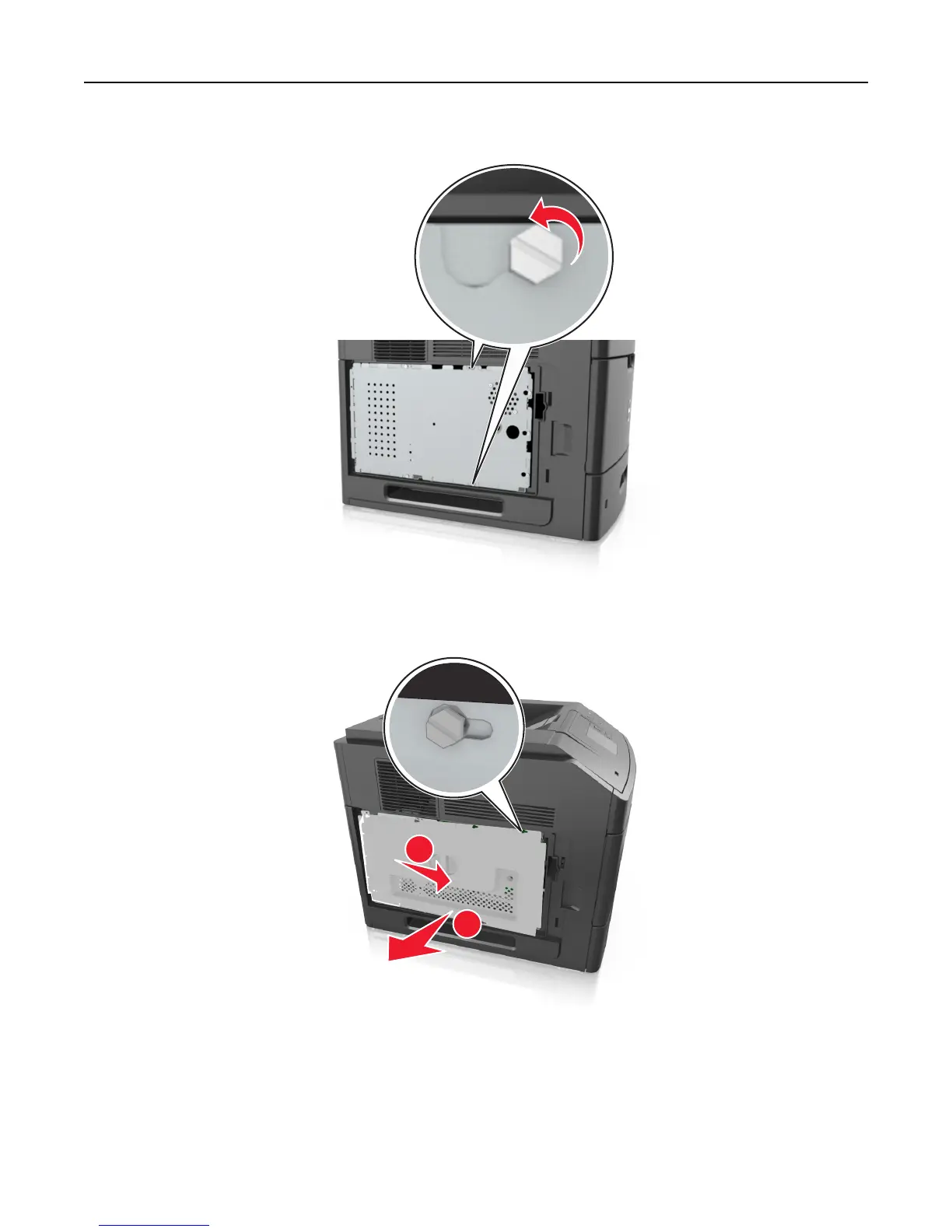
2 Using a screwdriver, loosen the screws on the controller board shield.
3 Remove the controller board shield.
1
2
4 Use the following illustration to locate the appropriate connector:
Warning—Potential Damage: Controller board electronic components are easily damaged by static electricity.
Touch something metal on the printer first before touching any controller board electronic component or
connector.
Additional printer setup 15















 To Next Page