Operating the Monitor │ 53
Reset Input
Source
Press the joystick to reset all settings under the
Input Source menu to the factory preset values.
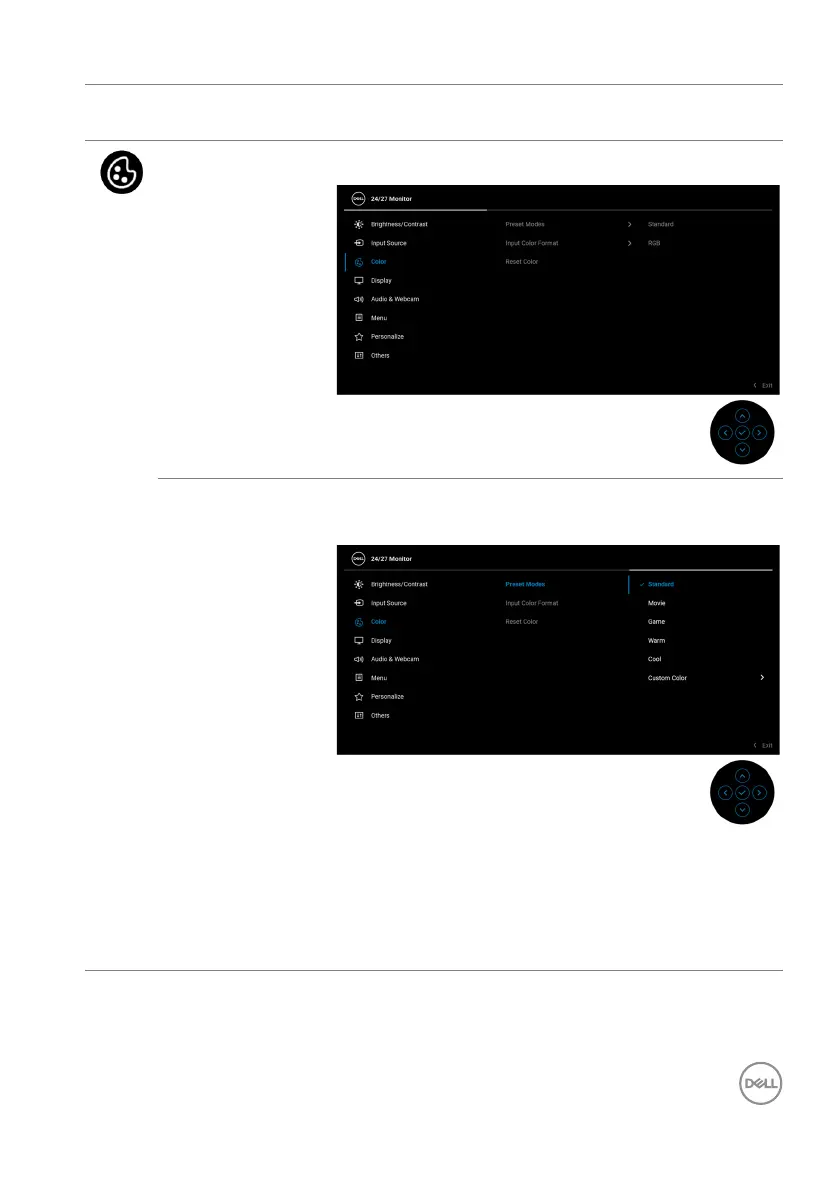
Color Adjusts the color setting mode.
Preset Modes Allows you to choose from a list of preset color
modes.
• Standard: Default Color setting. This monitor
uses a low blue light panel, and is certified by TUV
to reduce blue light output and create a more
relaxing and less stimulating image while reading
content on the screen.














 To Next Page