54 │ Operating the Monitor
• Movie: Ideal for movies.
• Game: Ideal for most gaming applications.
• Wa
rm: Presents colors at lower color
temperatures. The screen appears warmer with a
red/yellow tint.
• Coo
l: Presents colors at higher color
temperatures. The screen appears cooler with a
blue tint.
• Cust
om Color: Allows you to manual ly adjust the
color settings.
Toggle the joystick up or
down to adjust the RGB
color values and create your own preset color
mode.
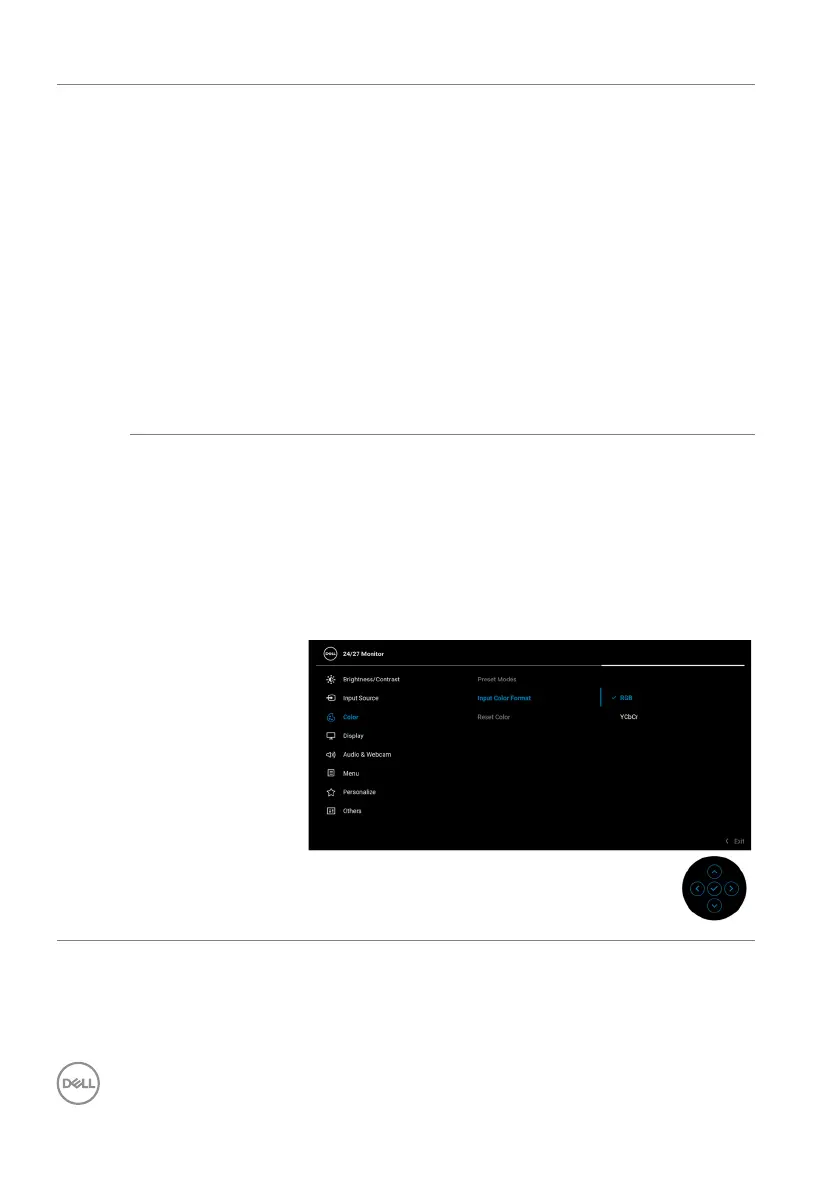
Input Color
Fo
rmat
Allows you to set the video input mode to:
• RGB: S
elect this option if your monitor is
connected to a computer or a media player that
supports RGB output.
• YC
bCr: Select this option if your media player
supports only YCbCr output.
Press the joystick to confirm the selection.














 To Next Page