Operating the Monitor │ 55
Hue Shifts the color of the video image to green or
purple. This is used to adjust the desired flesh tone
color. Toggle the joystick up or down to adjust the
hue from '0' to '100'.
NOTE: Hue
adjustment is available only when you
select Movie or Game preset mode.
Saturation Adjusts the color saturation of the video image.
T
oggle the joystick up or down to adjust the
saturation from '0' to '100'.
NOTE: Saturation adjus
tment is available only
when you select Movie or Game preset mode.
Reset Color Press the joystick to reset all settings under the
Co
lor menu to the factory preset values.
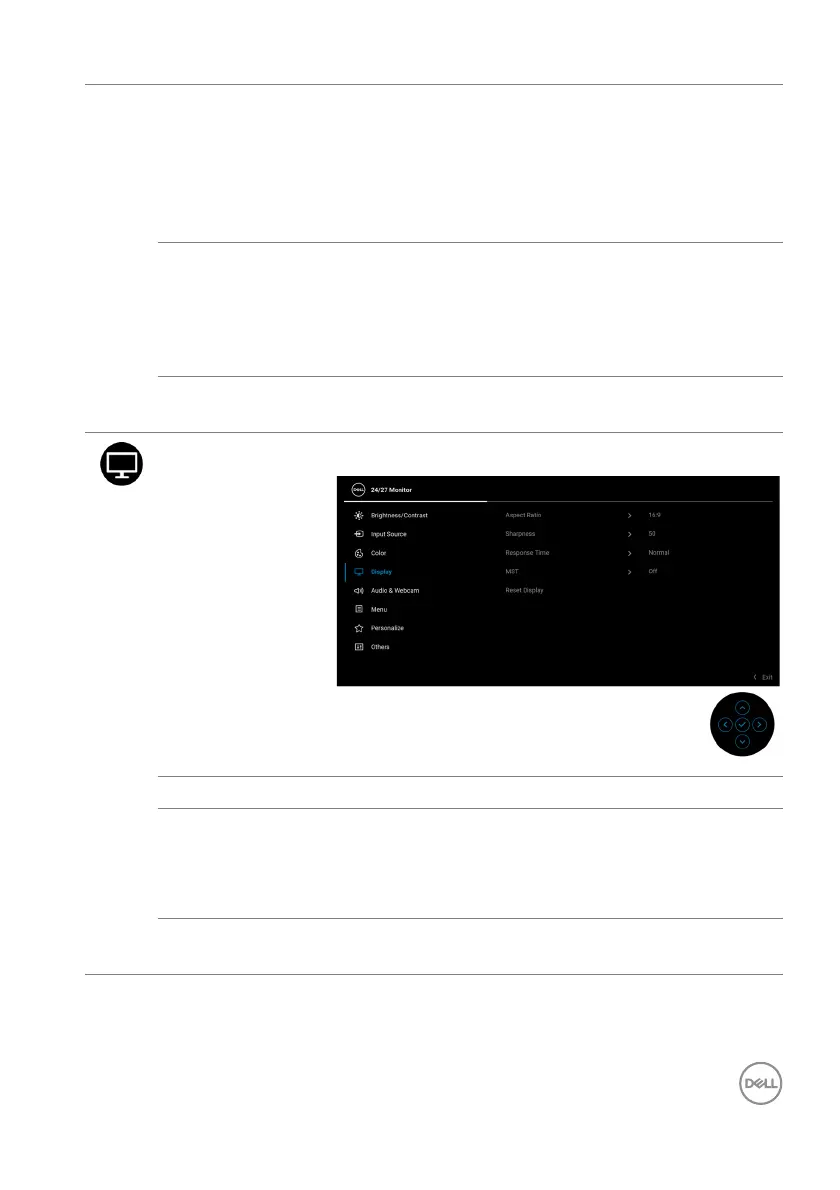
Display Use the Display menu to adjust images.
Aspect Ratio Adjusts the image ratio to 16:9, 4:3, or 5:4.
Sharpness This feature can make the image look sharper or
so
fter.
Toggle the joystick up or do
wn to adjust the
sharpness from '0' to '100'.
Response Time Allows you to set the Re
sponse Time to Normal or
Fast.














 To Next Page