Operating the Monitor │ 35
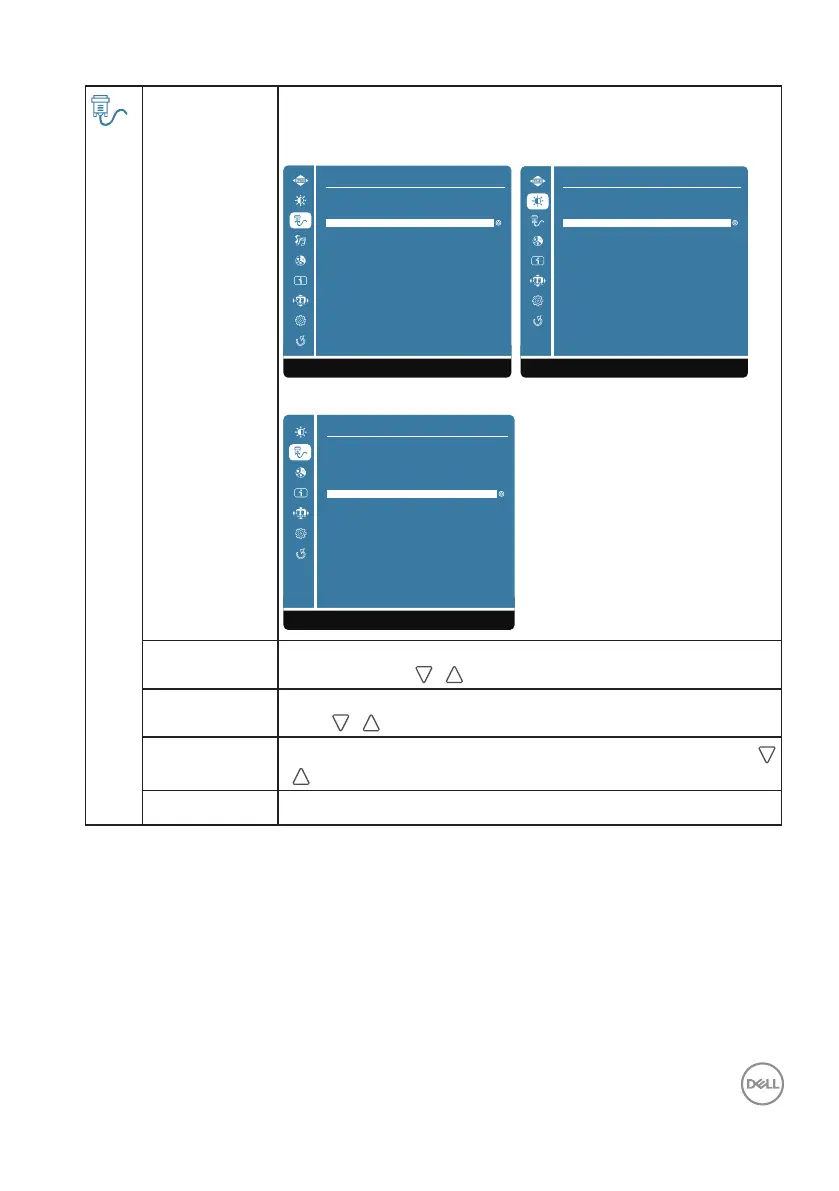
Input Source Use the Input Source menu to select between different video
signals that may be connected to your monitor.
D2421H D2721H
Input Source
VGA
HDMI
1:Exit
Auto
1:Exit
Input Source
VGA
HDMI
Auto
D2421DS
1:Exit
Input Source
HDMI1
HDMI2
HDMI3
DP
Auto
VGA Select VGA input when you are using the analog (VGA)
connector. Push / to select the VGA input source.
HDMI Select HDMI input when you are using the HDMI connector.
Push
/ to select the HDMI input source.
DP
Select DP input when you are using the DP connector. Push
/ to select the DP input source.
Auto Select Auto to scan for available input signals.












 To Next Page