Steps
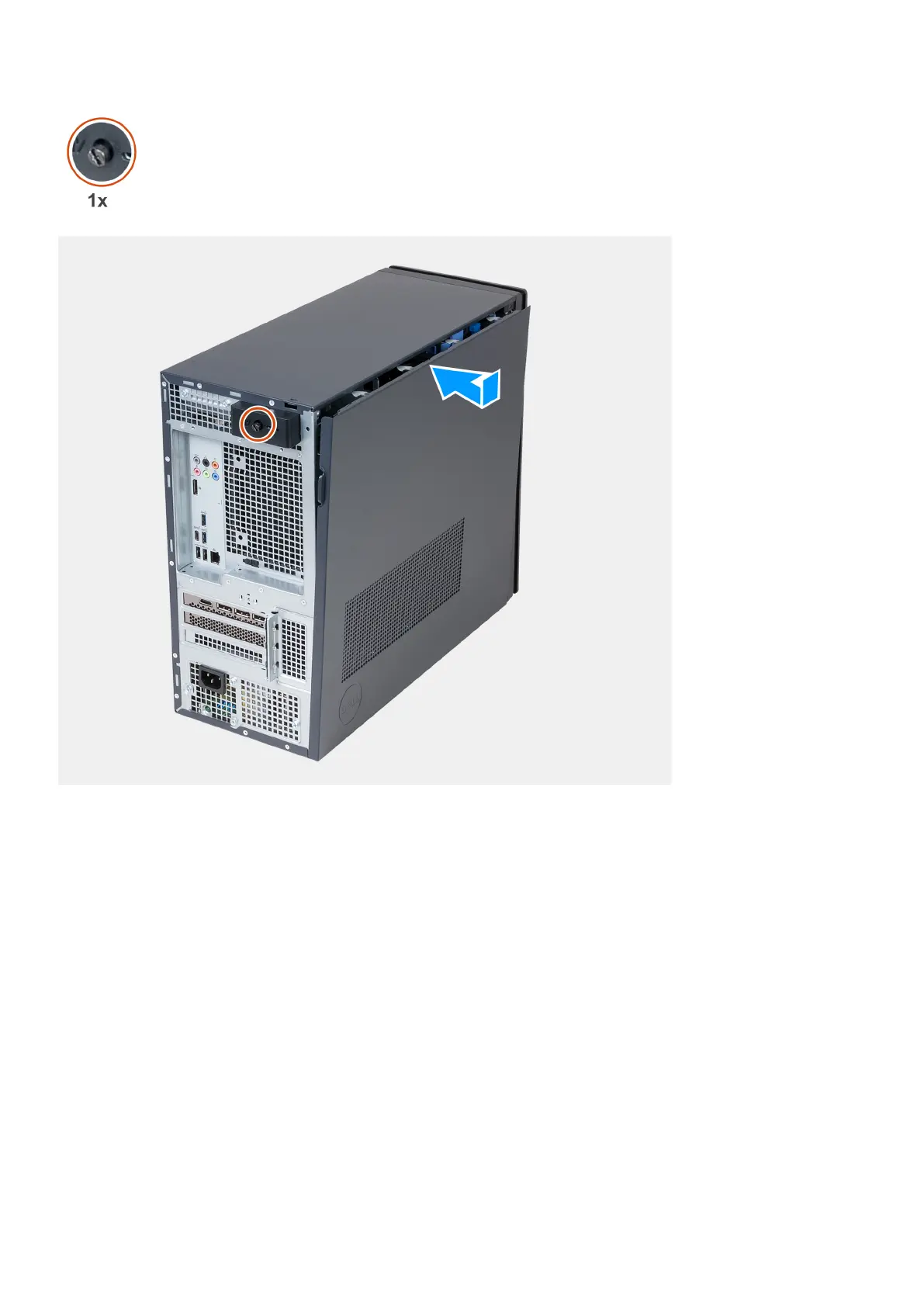
1. Holding the left-side cover firmly on both sides, slide the bottom edge of the left-side cover into the chassis and push the
left-side cover into place.
2. Tighten the captive screw that secures the left-side cover latch to the chassis.
Next steps
1. Follow the procedure in After working inside your computer.
Front cover
Removing the front cover
Prerequisites
1. Follow the procedure in Before working inside your computer.
2. Remove the left-side cover.
Removing and installing components
15















 To Next Page