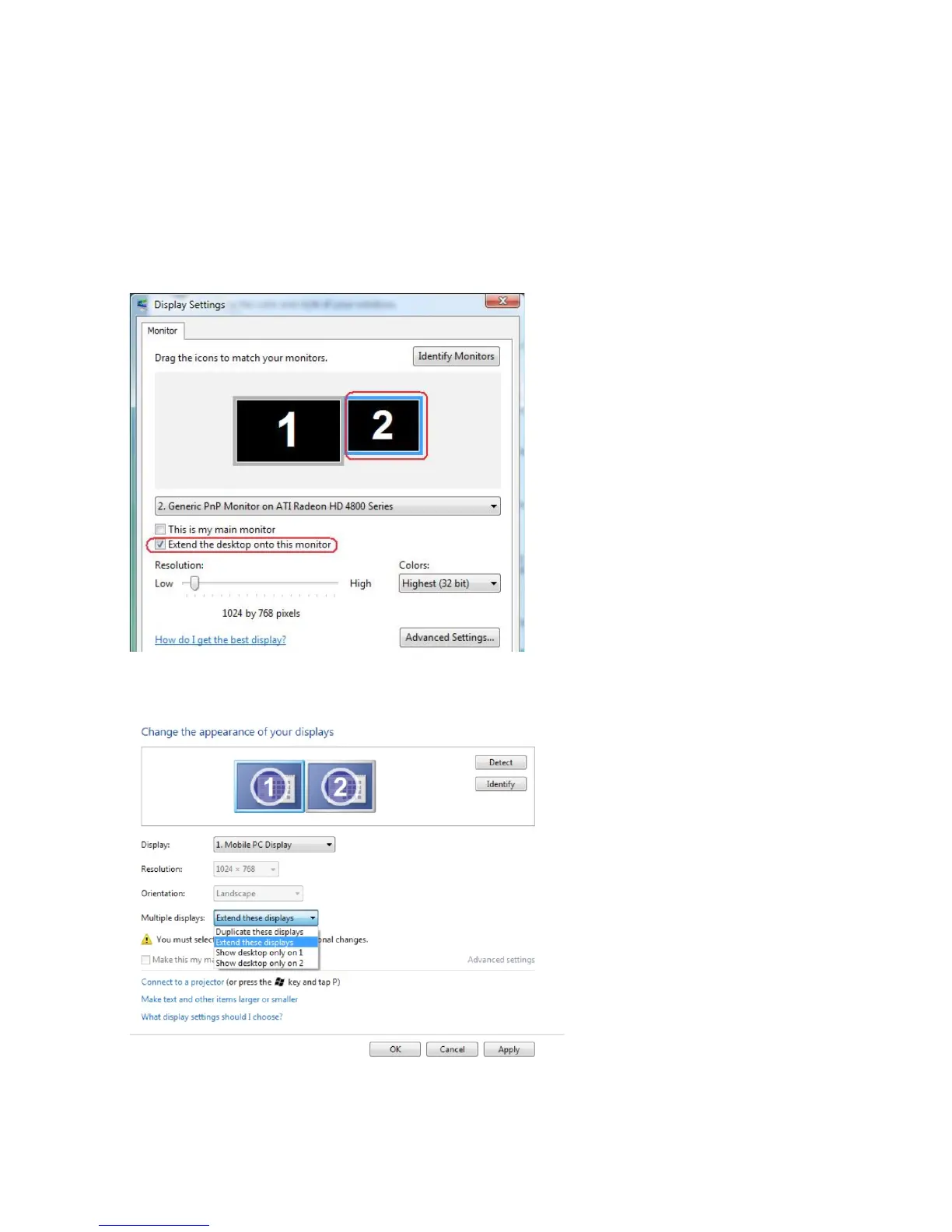
Extend displays
This option shows separate content on the selected monitors. The resolution of
each monitor can be set independently. You can set the relative position of the
displays. you can match the location of the screen relative to the physical placement
of the monitors, such as left, right, top, bottom, and so on. To set the position, drag
the monitor icons to the desired position.
Windows Vista
Windows 7
Appendix 53



 To Next Page