10 About your monitor
Operating system compatibility
• Windows 10/Windows 11 and later*
*The operating system compatibility on Dell and Alienware branded monitors may vary based on factors such as:
• Specific release date(s) when operating system versions, patches, or updates are available.
• Specific release date(s) when Dell and Alienware branded monitor firmware, software application, or driver updates are available on the
Dell support website.
Identifying parts and controls
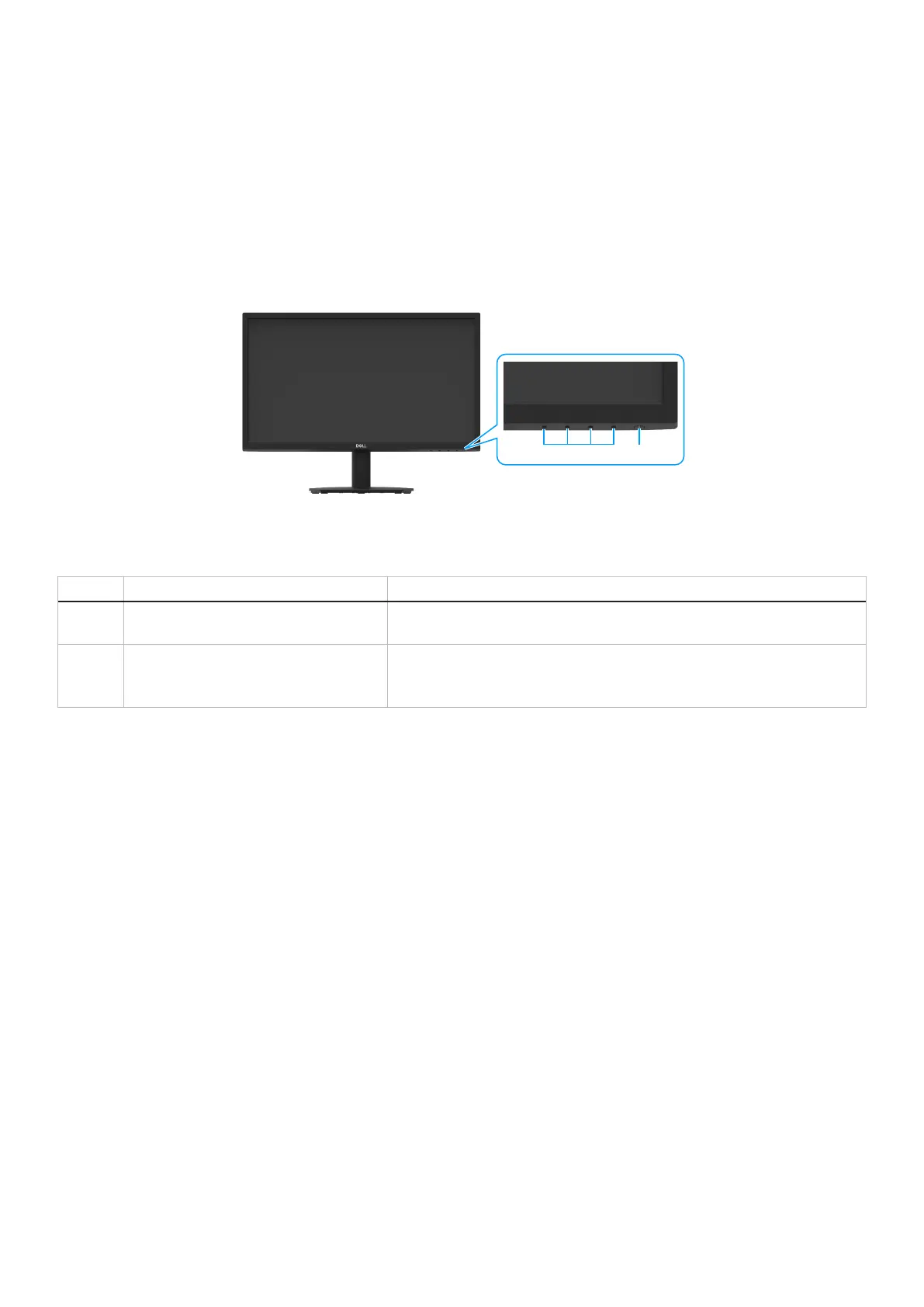
Front view
1 2
Figure 1. Front view of the monitor
Table 4. Components and descriptions.
Label Description Use
1 Function buttons To access the OSD menu and change the settings if required. For more
information, see Using the front panel controls.
2 Power On/Off button (with LED indicator) To turn the monitor on or off.
Solid white light indicates that the monitor is turned on and functioning
normally. Blinking white light indicates that the monitor is in Standby Mode.



 To Next Page