Setting up the monitor 27
Organizing cables
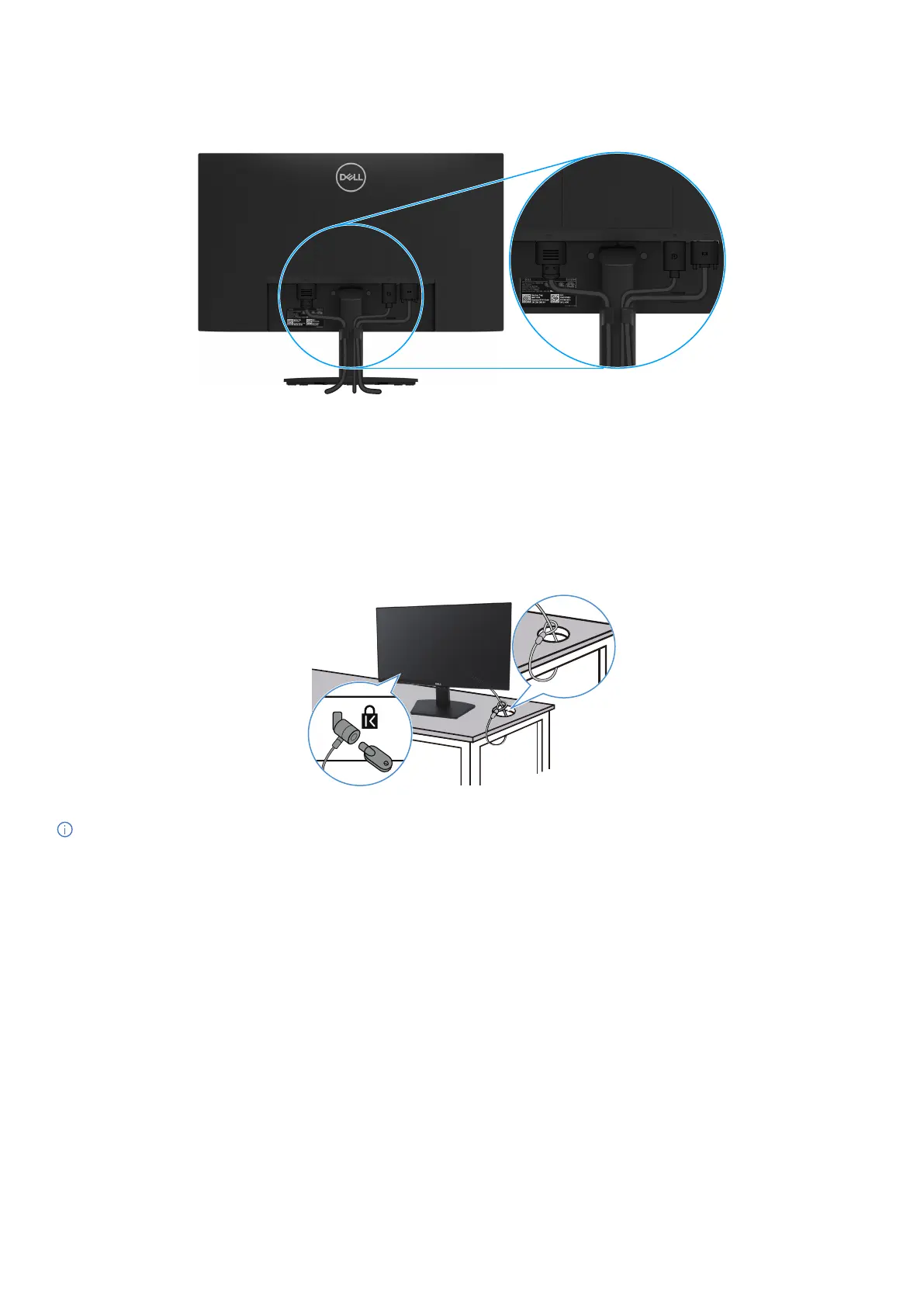
Use the cable-management clip to route the cables connected to your monitor.
Figure 16. Organizing cables
Securing your monitor using Kensington lock (optional)
The security-lock slot is located at the bottom of the monitor (see Security-lock slot). Secure your monitor to a table using the Kensington
security lock.
For more information on using the Kensington lock (sold separately), see the documentation that is shipped with the lock.
Figure 17. Using Kensington lock
NOTE: The image is for the purpose of illustration only. The appearance of the lock may vary.



 To Next Page