Operating your monitor 35
OSD controls
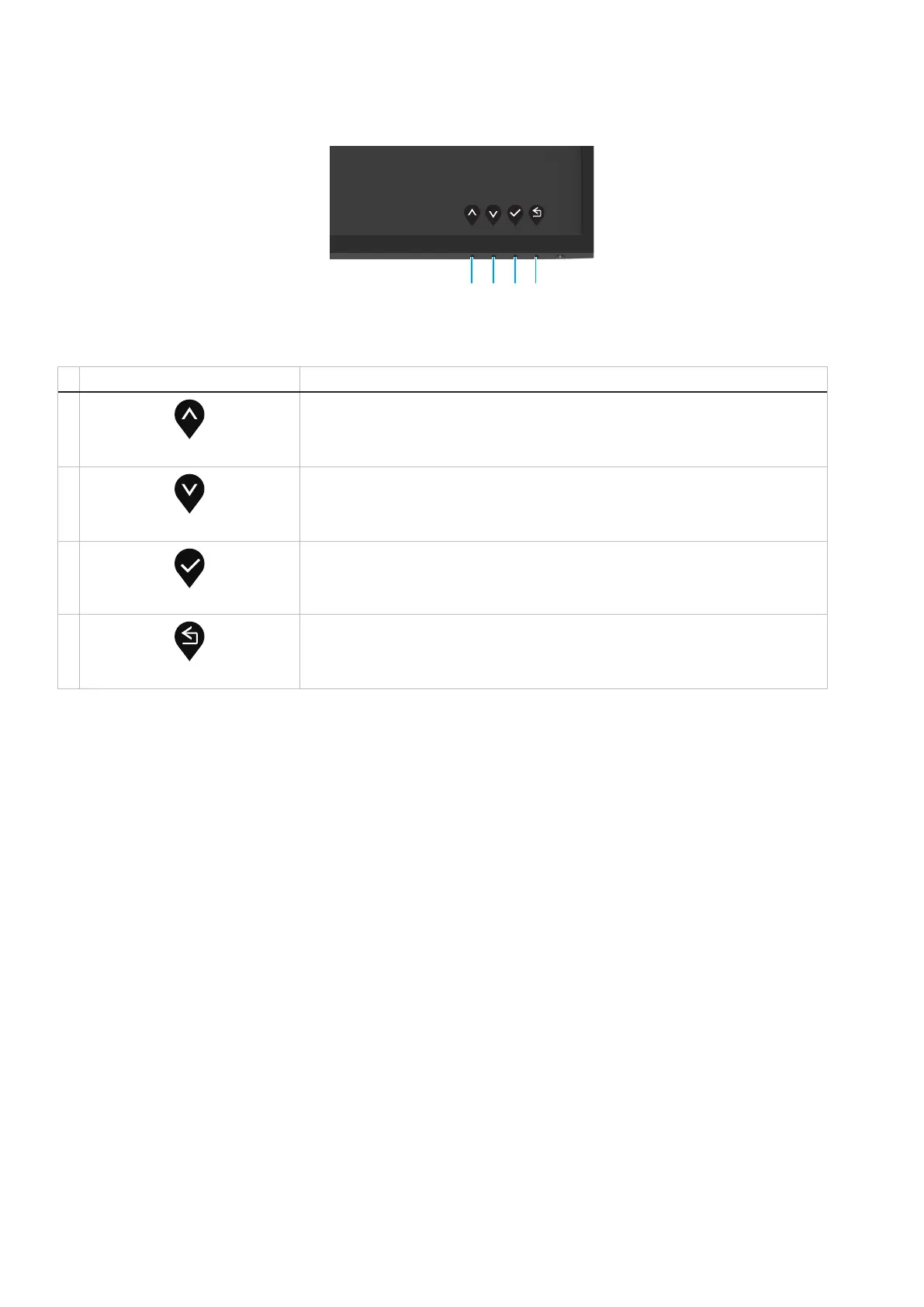
Use the buttons on the bottom edge of the monitor to adjust the image settings.
1234
Figure 31. OSD controls
Table 19. OSD control buttons description.
Control buttons Description
1
Up
Use the Up button to increase values or move up in a menu.
2
Down
Use the Down button to decrease values or move down in a menu.
3
OK
Use the OK button to confirm your selection in a menu.
4
Back
Use the Back button to go back to the previous menu.



 To Next Page