14 About your monitor
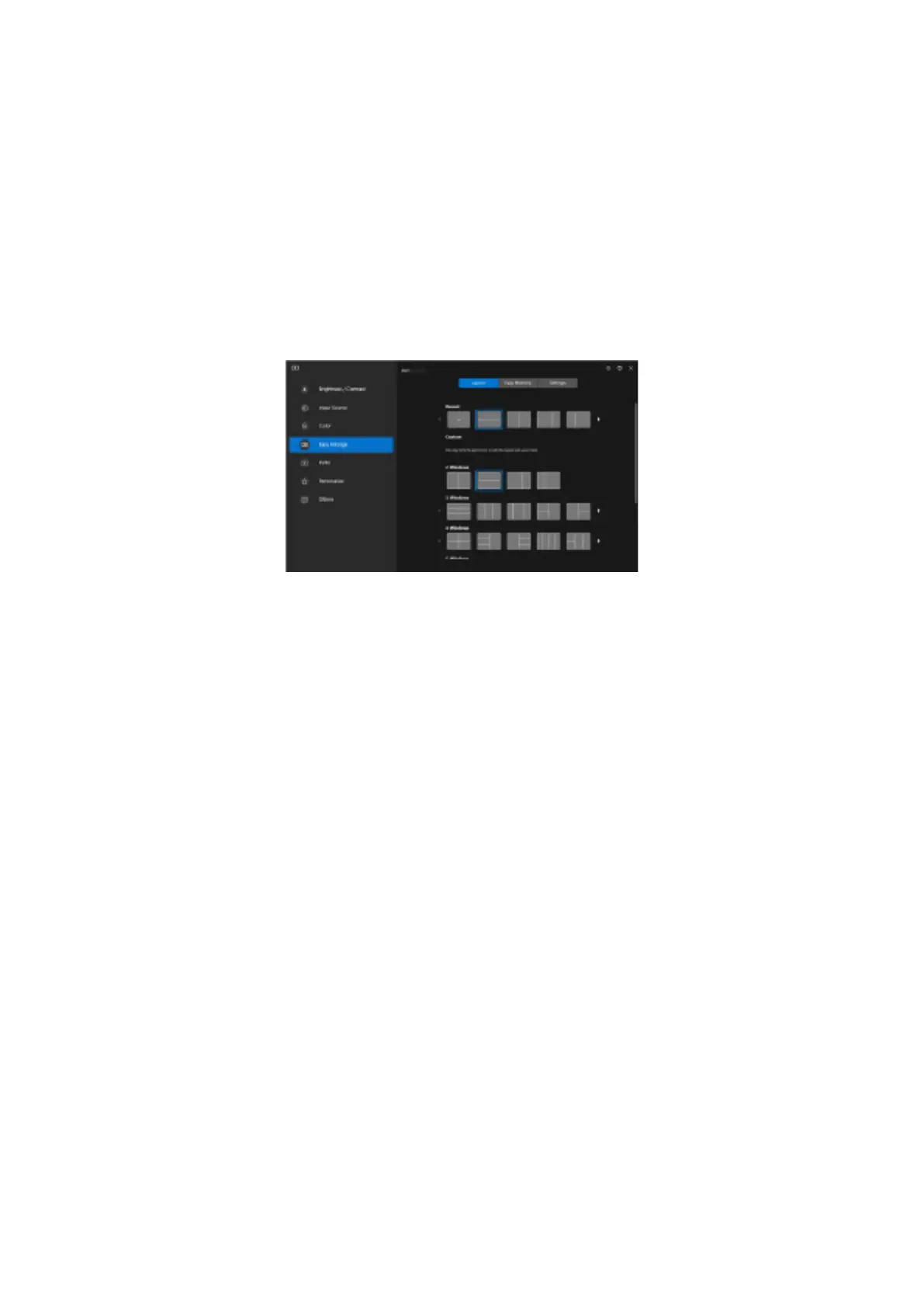
Dell Display Manager
Dell Display Manager is an application software that enhances the experience of your Dell monitor- ensuring more productivity and ease in
customization.
With this application you can:
1. Adjust the monitor On Screen Display (OSD) settings such as brightness, contrast, input source setting and so on with ease. No need
to toggle using the joystick on the monitor; simply use the DDM software.
1. Organize multiple applications on your screen, snapping them into a template of your choice with the Easy Arrange.
2. Assign applications or even files to the partitions of Easy Arrange, save the layout as a profile and then restore the profile
automatically using Easy Arrange Memory.
2. Connect your Dell Monitor to multiple input sources and manage these multiple video inputs using Input source.
3. Customize each application with different color mode using Color Preset.
4. Replicate the Dell Display Manager application settings from one monitor to another monitor of the same model with Import/export
application settings.
Figure 5. Dell Display Manager User Interface
This document is informational only and reflects laboratory performance. Your product may perform differently, depending on the software,
components and peripherals you ordered and Dell shall have no obligation to update such information.
Accordingly, the customer should not rely upon this information in making decisions about electrical tolerances or otherwise. No warranty
as to accuracy or completeness is expressed or implied.



 To Next Page