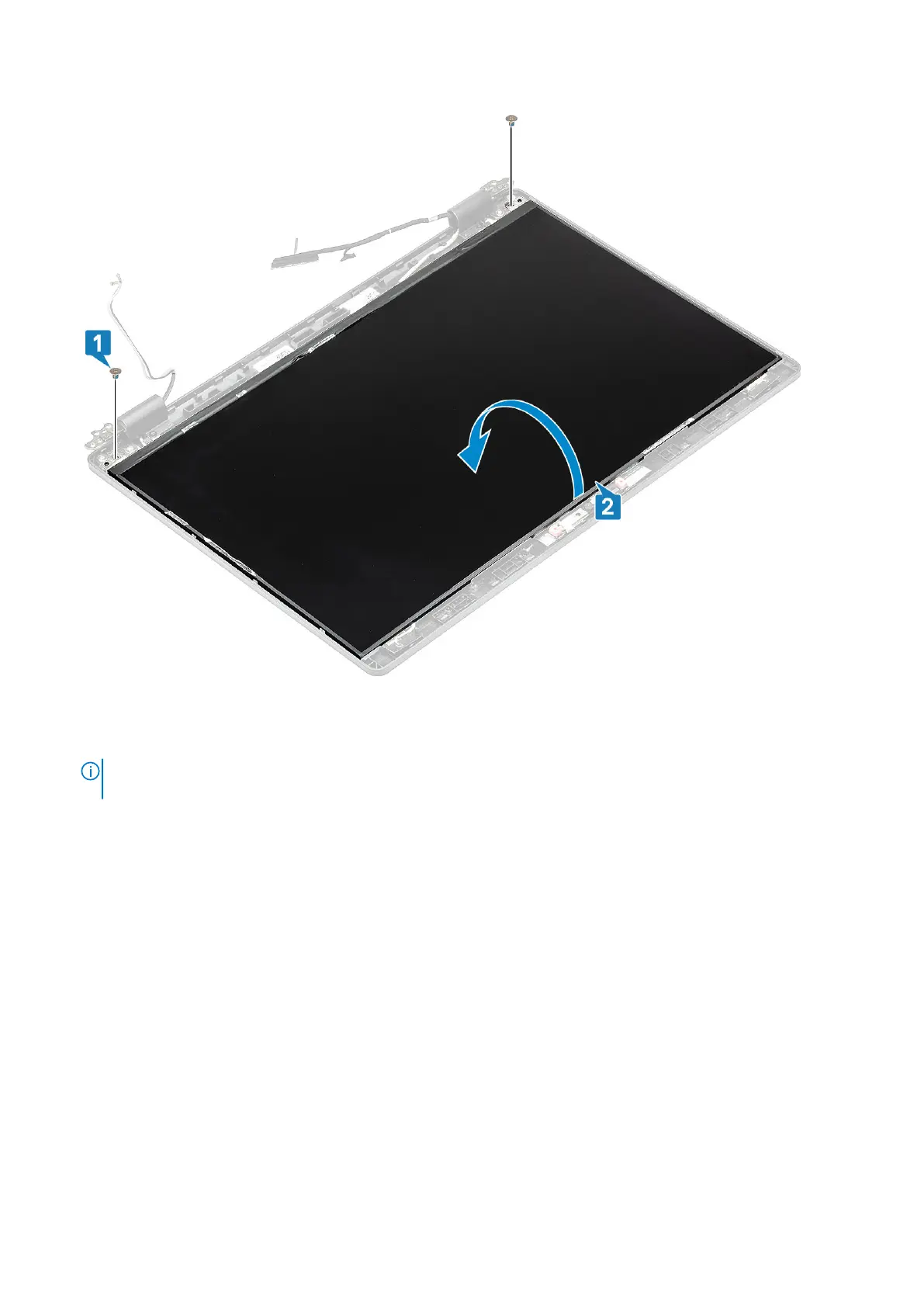
2. Peel the conductive tape [1] on the display cable connector.
3. Remove the adhesive strip that secures the display cable connector [2].
4. Lift the latch and disconnect the display cable from the connector on the display panel [3, 4].
NOTE:
Do not pull and release the Stretch (SR) Tapes from the display panel. There is no need to separate the brackets
from the display panel.
Disassembly and reassembly 101













 To Next Page