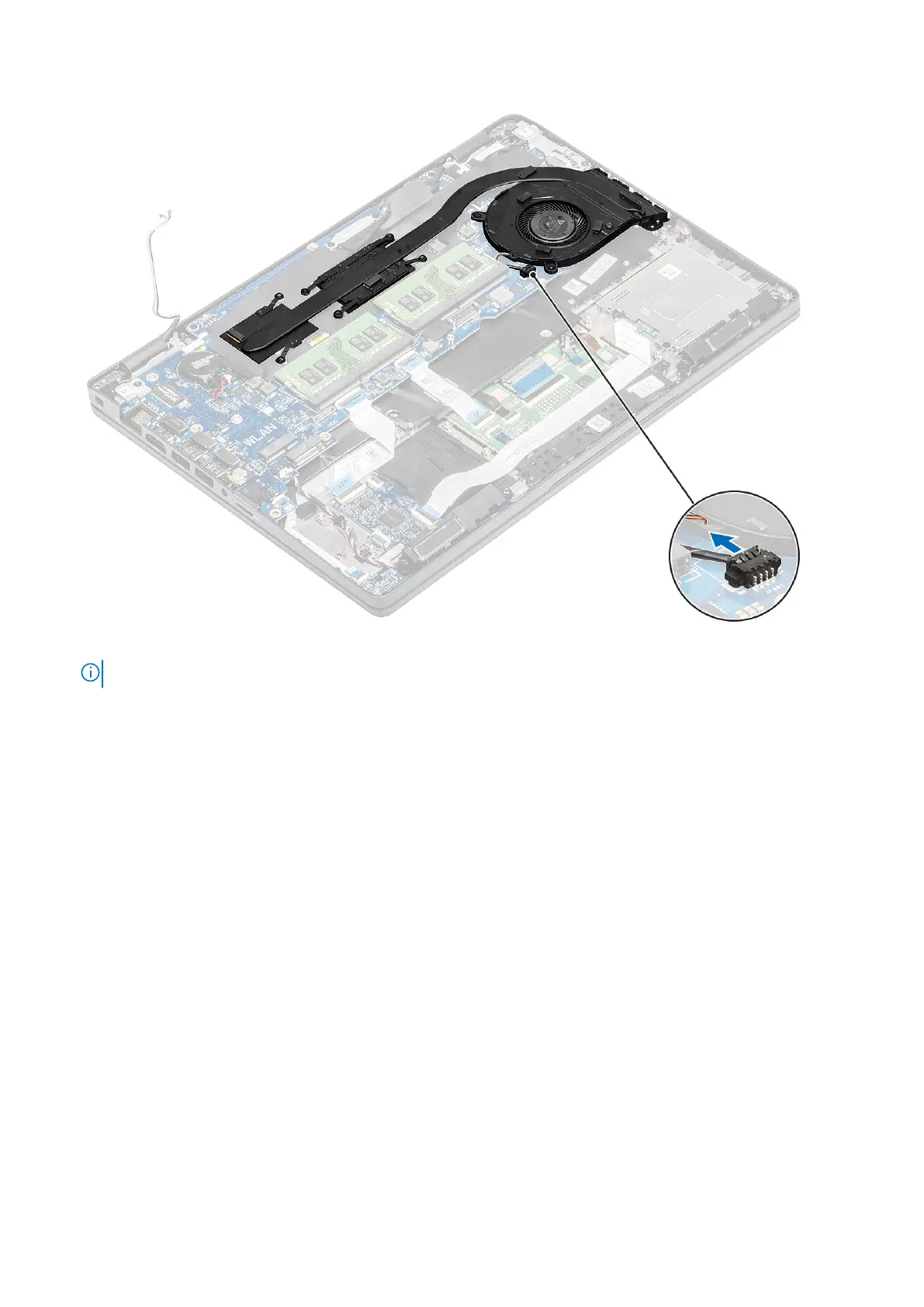
2. Remove the six (M2x3) screws that secure the heatsink assembly to the system board [1].
NOTE: Remove the screws in the order of the callout numbers [1, 2, 3, 4, 5, 6] as indicated on the heatsink.
3. Remove the two (M2x3) screws that secure the fan section of heatsink to the system board and lift the heatsink assembly
[2].
Disassembly and reassembly
71













 To Next Page