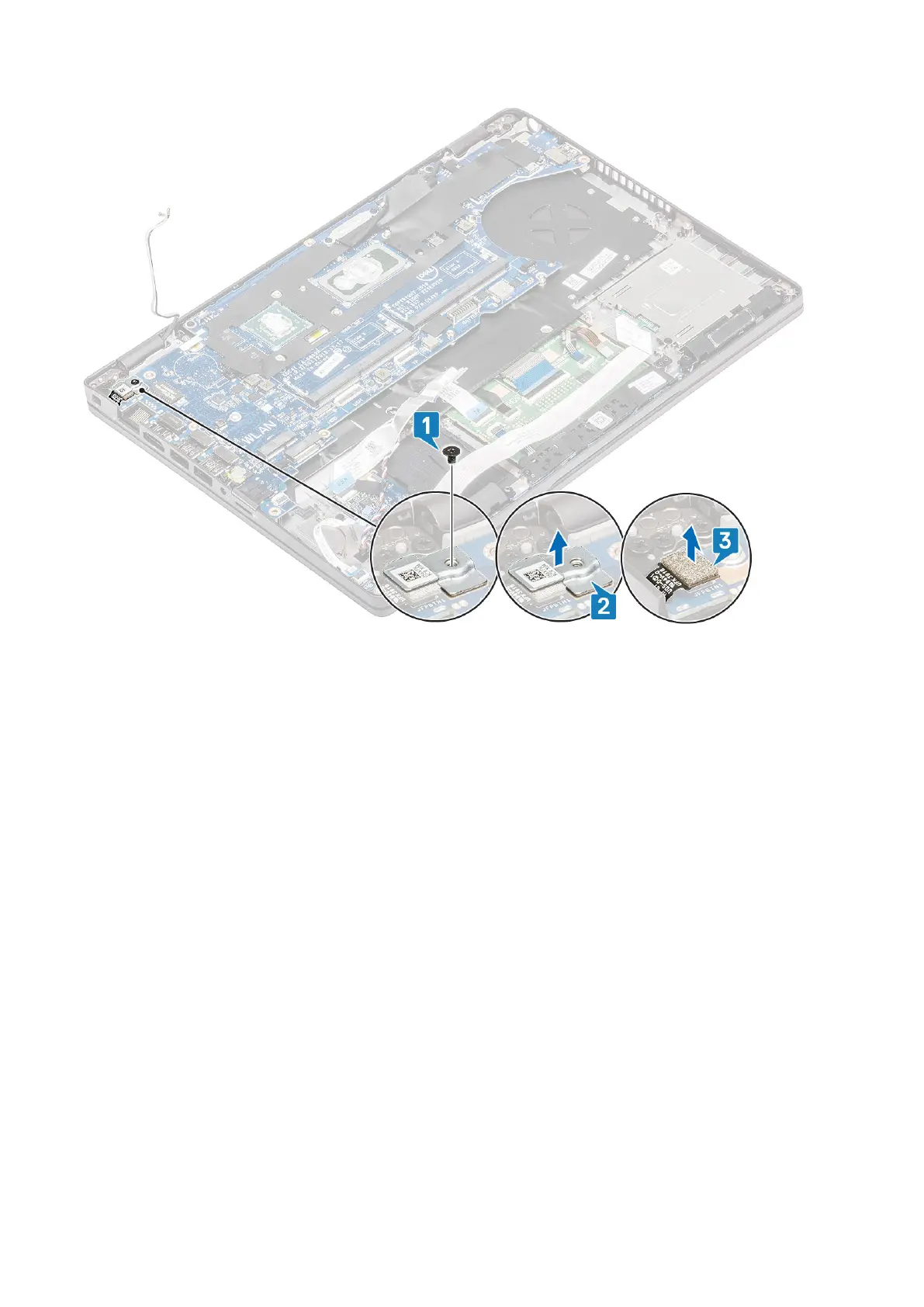
5. Peel the adhesive tape on the eDP cable that is connected to the system board [1].
6. Remove the two (M2x3) screws that secure the eDP bracket to the system board [2].
7. Remove the eDP bracket away from the computer [3].
8. Lift the eDP cable from the connector on the system board [4].
9. Disconnect the cable from the connector on the system board [5].
76
Disassembly and reassembly













 To Next Page