Installing the SD Card
1. Slide the SD card into its slot until it clicks into place.
2. Follow the procedures in
After Working Inside Your Computer.
Removing the Battery
1. Follow the procedures in
Before Working Inside Your Computer
.
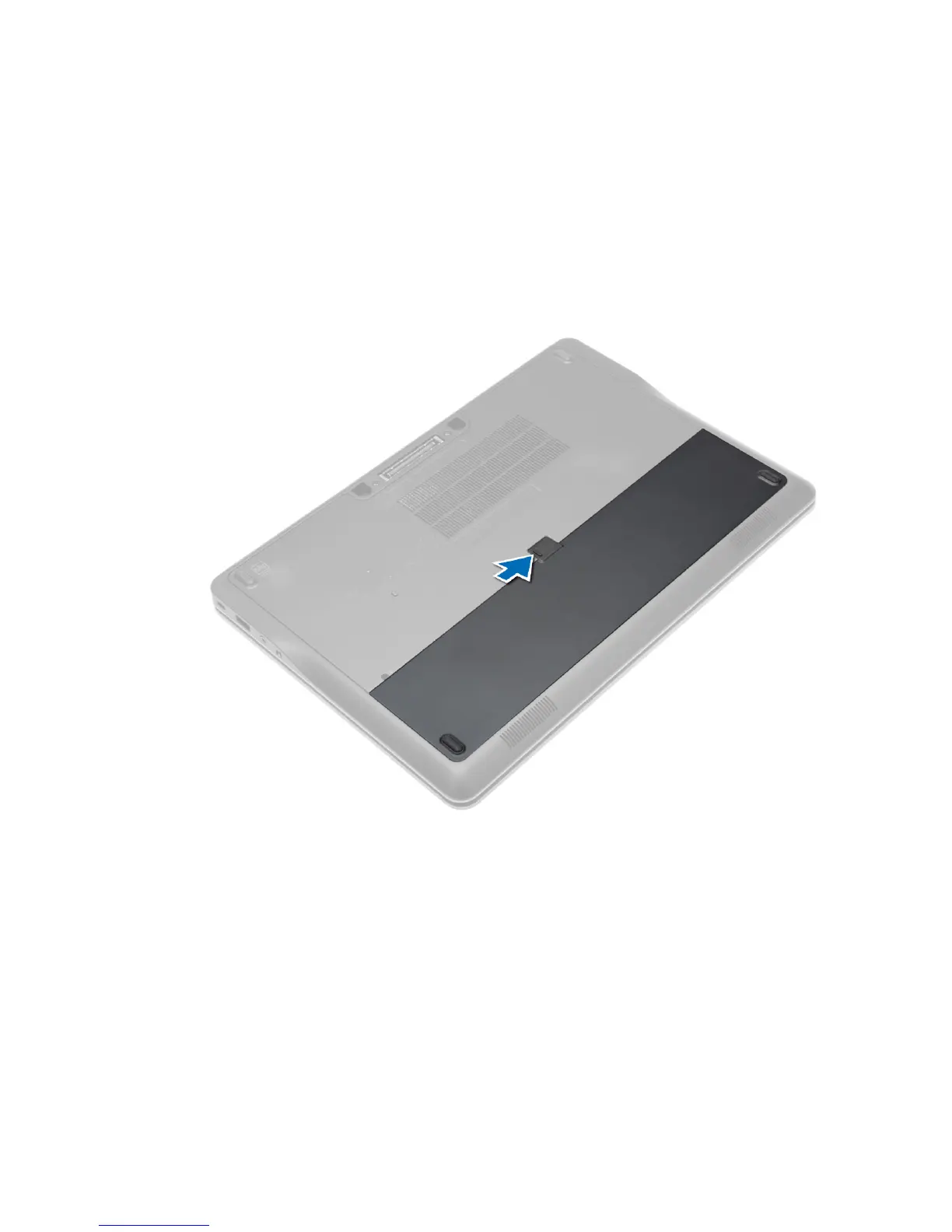
2. Slide the release latch to unlock the battery.
3. Remove the battery from the computer.
11














 To Next Page