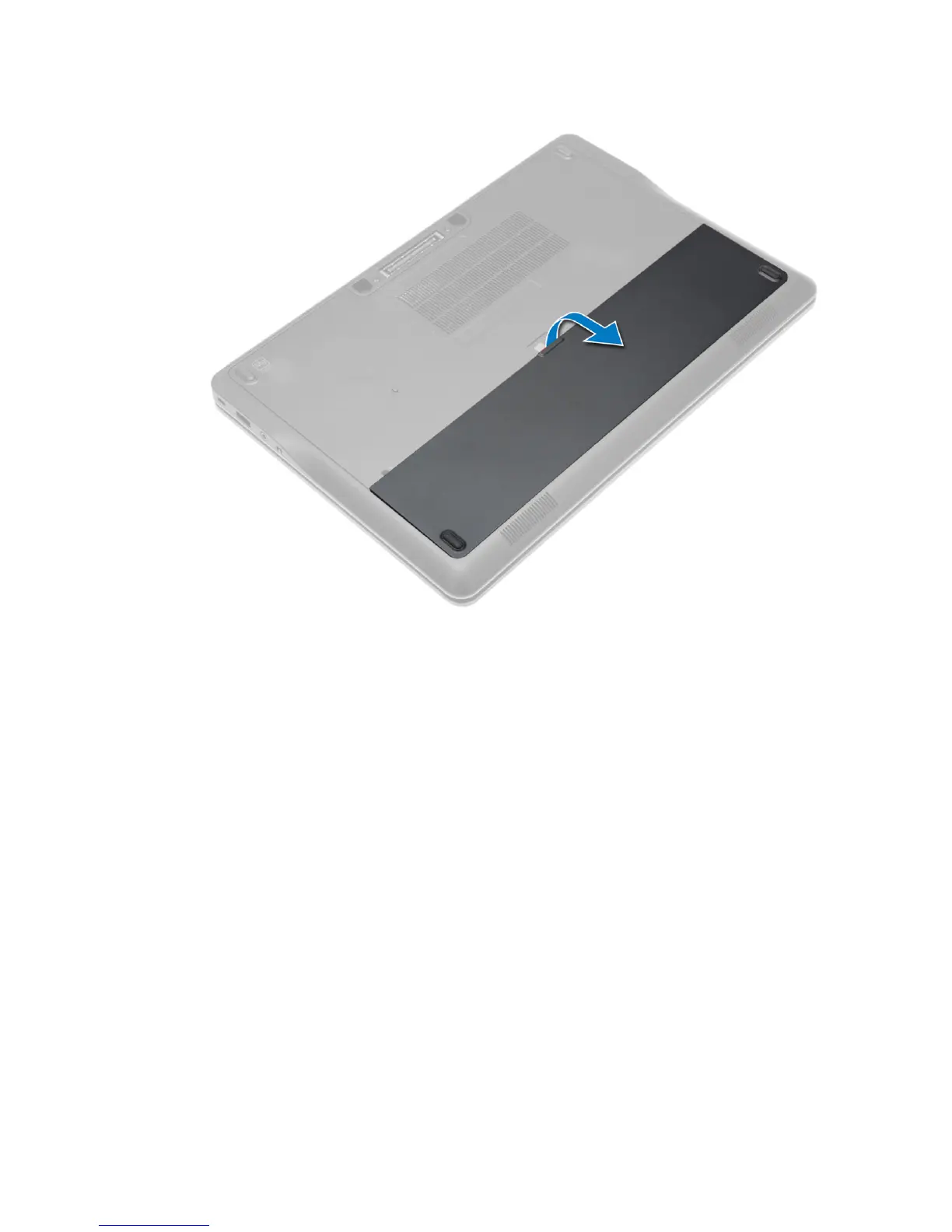
Installing the Battery
1. Slide the battery into its slot until it clicks into place.
2. Follow the procedures in
After Working Inside Your Computer.
Removing the Base Cover
1. Follow the procedures in
Before Working Inside Your Computer
.
2. Remove the battery.
3. Remove the screws that secure the base cover to the computer.
12














 To Next Page