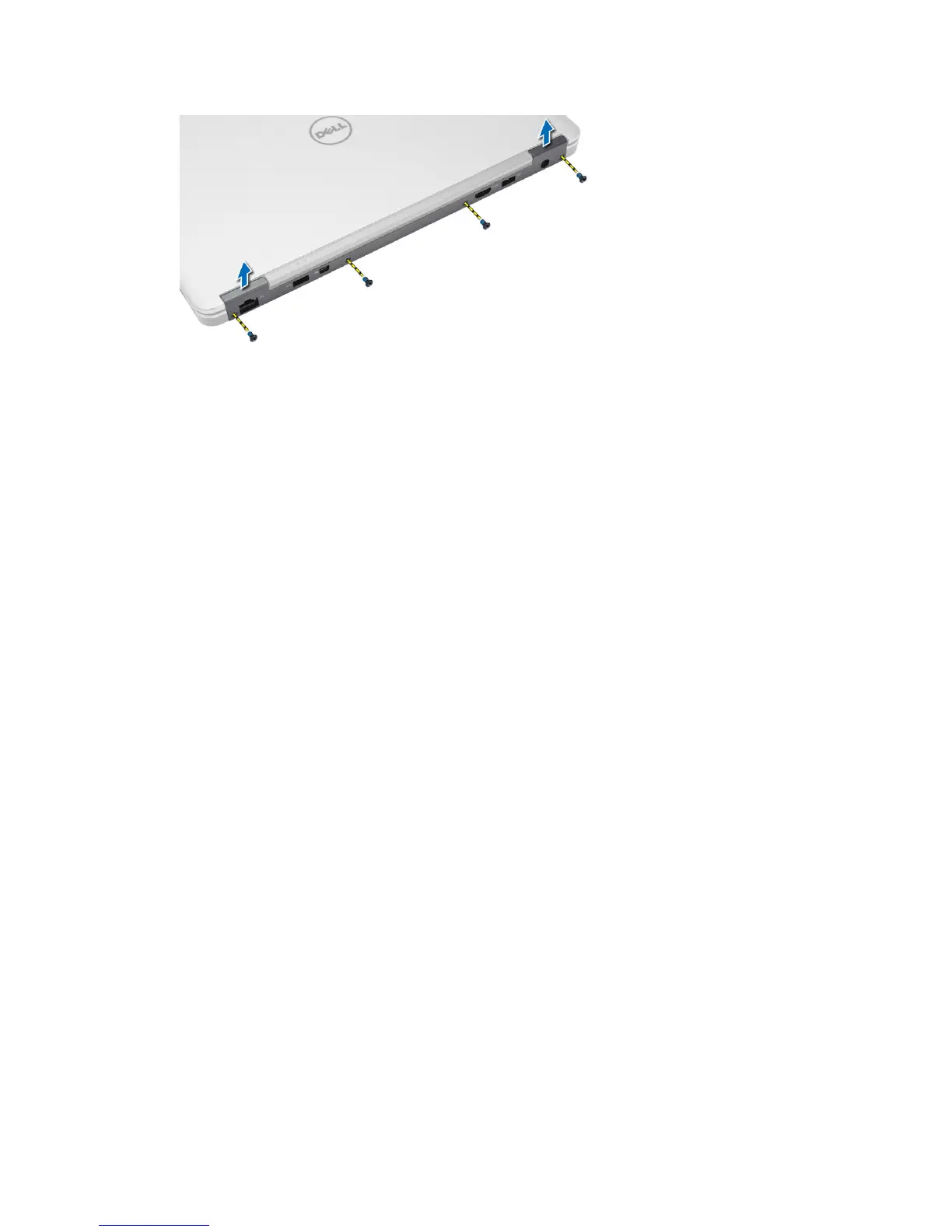
Installing the Display-Hinge Cover
1. Place the display-hinge cover and tighten the screws to secure the display-hinge cover to the computer.
2. Install battery.
3. Follow the procedures in
After Working Inside Your Computer
.
Removing the Display Assembly
1. Follow the procedures in
Before Working Inside Your Computer
.
2. Remove:
a) battery
b) SD card
c) base cover
d) keyboard
e) palmrest
3. Remove the screw that secures the display assembly to the computer.
27














 To Next Page