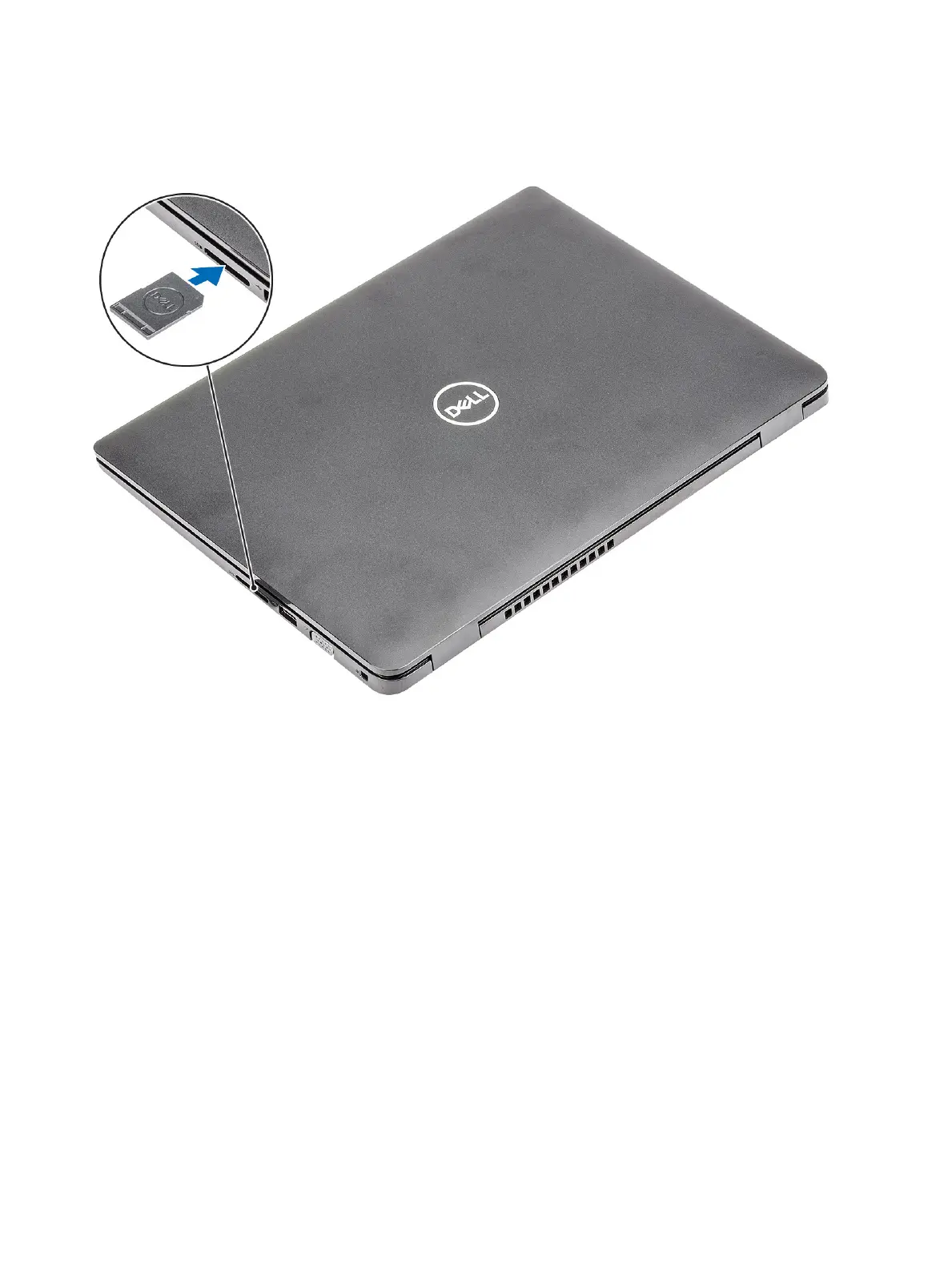
Installing the Secure Digital card
1 Slide the secure digital into the slot until it clicks into place.
2 Follow the procedures in After working inside your computer.
Base cover
Removing the base cover
Prerequisites
1 Follow the procedure in before working inside your computer
2 Remove the SD memory card
Steps
1 Loosen the nine captive screws that secure the base cover to the palmrest and keyboard assembly.
14
Removing and installing components


 To Next Page