Installing the speakers
About this task
NOTE: If the rubber grommets are pushed out when removing the speakers, push them back in before replacing the speakers.
Steps
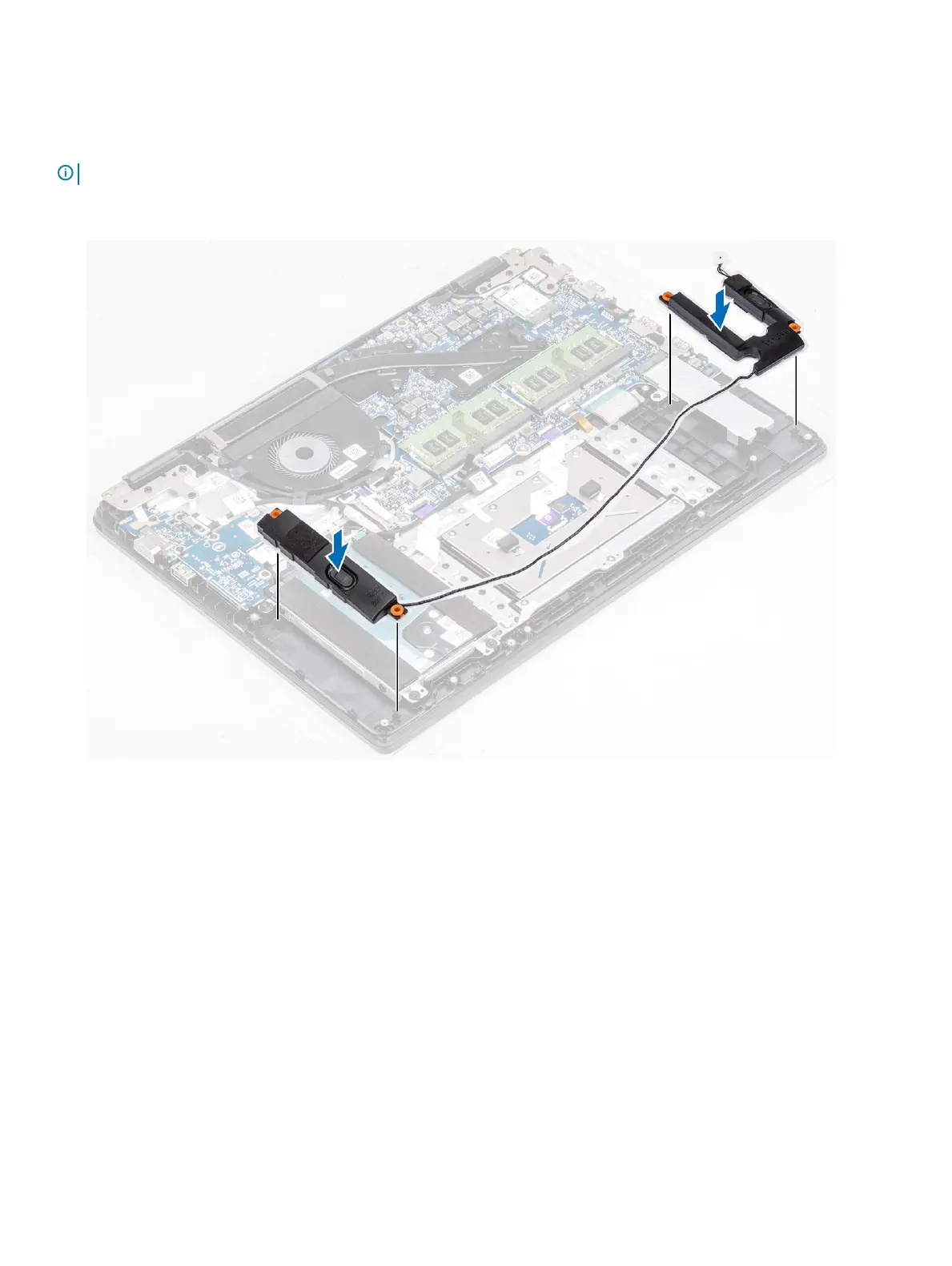
1 Using the alignment posts and rubber grommets, place the speakers in the slots on the palm rest and keyboard assembly.
2 Route the speaker cable through the routing guides on the palm rest and keyboard assembly [1].
3 Connect the speaker cable to the system board [2].
Removing and installing components
53



 To Next Page